Texture pack review
xali's Enhanced Vanilla
xali's Enhanced Vanilla 16x, latest build for Minecraft 26.2
This 16x resource pack focuses on polishing the default Minecraft look with subtle variations, improved transitions, and custom block models without losing the original game feel.
Overview
In-depth
xali's Enhanced Vanilla refreshes the base Minecraft appearance while keeping the familiar aesthetic intact. This 16x resource pack focuses on subtle polish rather than a full overhaul, introducing slight texture variations, cleaner transitions between blocks, and a handful of custom block models that respect the original art direction. The result is a tidy, consistent look that feels like the default textures with minor refinement.
The pack is authored by xalixilax and targets players who want minor improvements without changing game readability. Colors remain close to vanilla, and most assets retain the same silhouette, so item recognition and navigation do not require relearning. If you prefer a minimalist approach that keeps menus and interfaces straightforward, xali's Enhanced Vanilla delivers a restrained update.
Performance is generally similar to vanilla because the resolution stays at 16x and there are no high resolution assets. That makes this a good choice for lower spec systems or for players who want visual tweaks while keeping smooth frame rates. For download options and other packs in the same vein, check the full texture pack listings on our browse page.
The pack supports a long list of Java versions, and many changes are cosmetic, which tends to preserve compatibility across nearby releases. For variants that require specialized loaders or integration, see resources grouped under the vanilla plus category on our site for related packs and alternatives.
Who this pack suits
xali's Enhanced Vanilla fits builders, survival players, and server owners who want a slightly neater aesthetic without moving away from the vanilla look. It is particularly useful when you want consistent block transitions for screenshots, builds, or long play sessions where subtlety is preferred over dramatic replacement.
Gallery
Screenshots
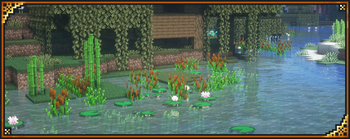
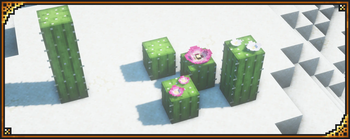
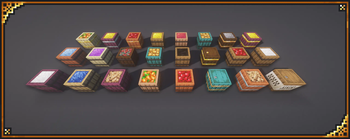
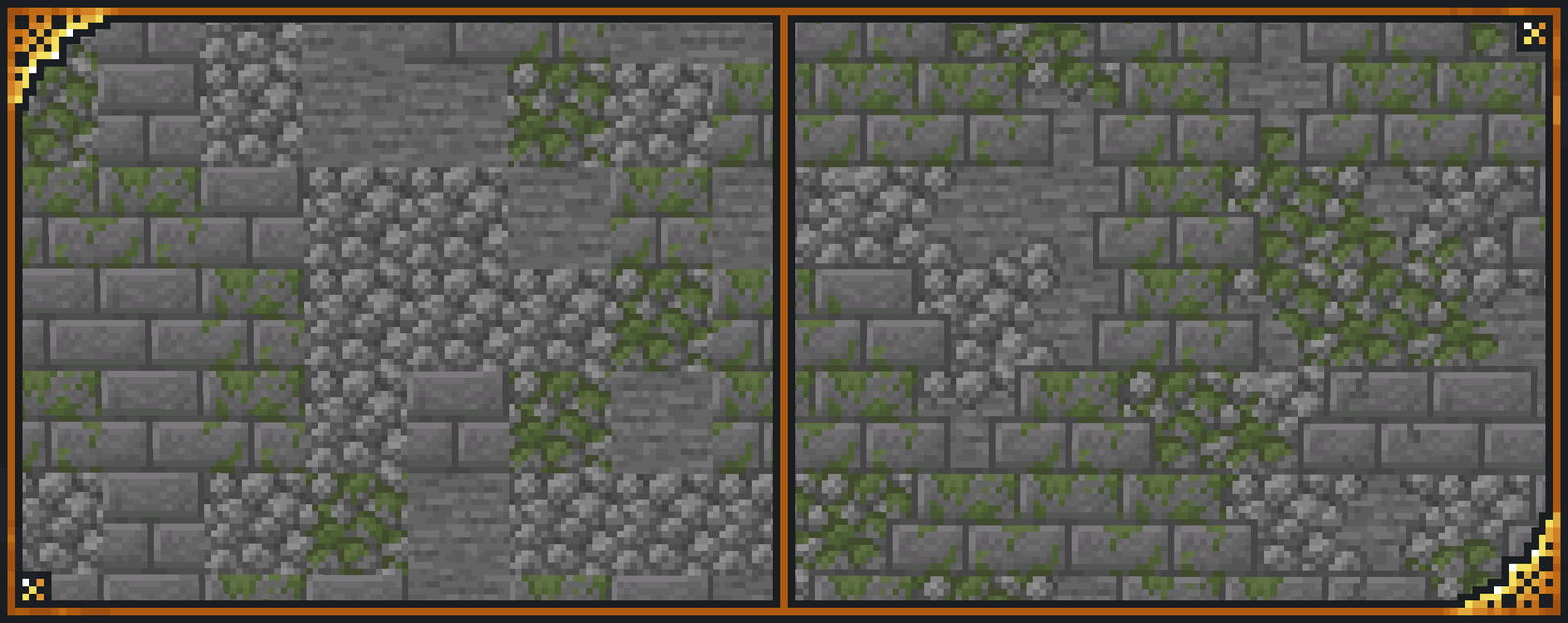
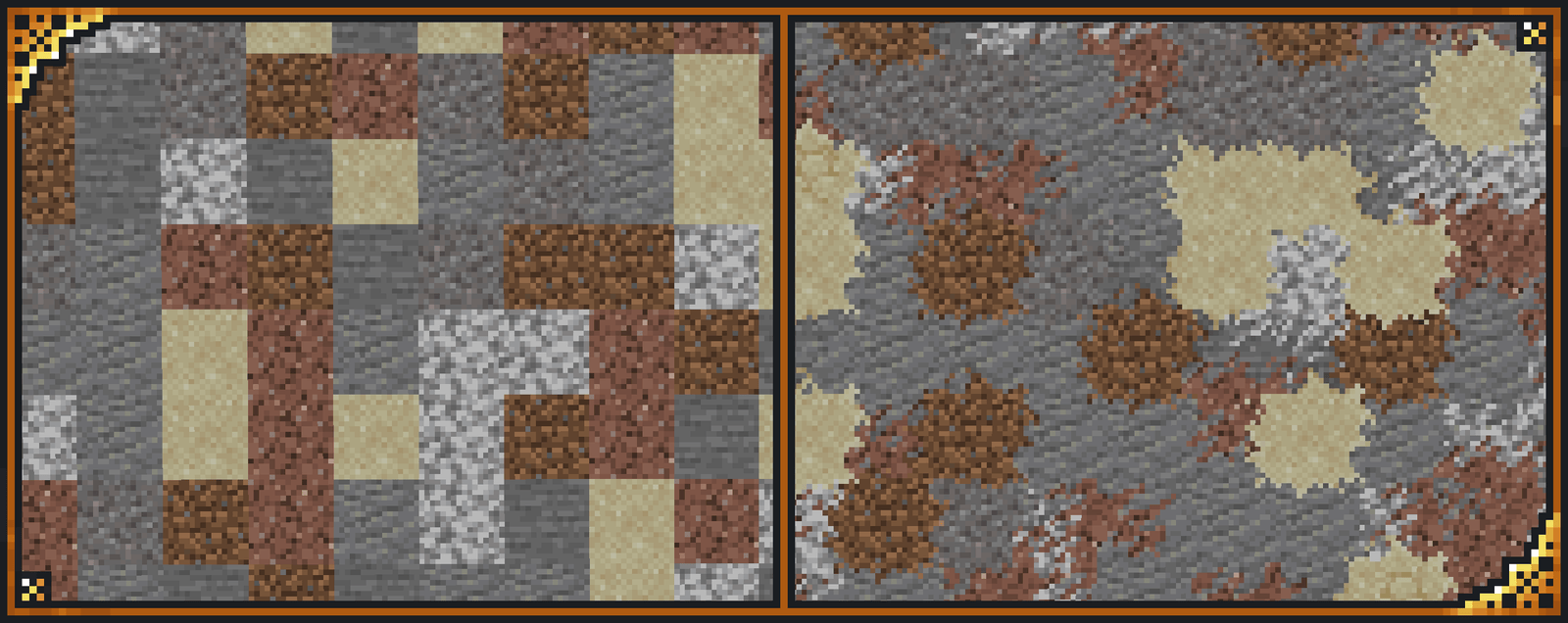
xali's Enhanced Vanilla in game, captured across biomes and lighting conditions.
What you get
Why xali's Enhanced Vanilla?
Retains Vanilla Feel
Maintains the original Minecraft look while introducing minor refinements, so you do not have to relearn textures or UI.
Low Performance Cost
At 16x resolution the pack runs smoothly on most systems, making it suitable for players with modest hardware or large multiplayer servers.
Clean Block Transitions
Improved transitions reduce visible seams between blocks, which helps builds appear more cohesive without heavy redesign.
Subtle Variation
Small texture variations add visual interest and reduce repetition without changing the overall style or color palette.
Selective Custom Models
A few custom block models add character where it matters, while most blocks keep vanilla shapes for clarity.
Easy Integration
Because it stays close to default assets, the pack mixes well with other vanilla plus style packs and resource overlays.
Downloads
Get xali's Enhanced Vanilla
The 6 most recent xali's Enhanced Vanilla builds, direct mirror links, no ad redirects.
Install
How to install xali's Enhanced Vanilla
Vanilla route
- 1Download the xali's Enhanced Vanilla zip from the pack page.
- 2Open Minecraft, go to Options, then Resource Packs, and click Open Pack Folder.
- 3Move the downloaded zip into the resourcepacks folder in your Minecraft directory.
- 4Back in Minecraft, select the pack from Available Resource Packs and click Done.
- 5Restart Minecraft if textures do not load properly after selection.
Modded route (Minecraft Vanilla)
- 1Install Fabric or Forge for your Minecraft version, with Optifine optional for extra settings.
- 2Place the xali's Enhanced Vanilla zip into the resourcepacks folder like in vanilla installs.
- 3If using shader packs, add them to the shaderpacks folder and enable via Options, Video Settings.
- 4Launch Minecraft with the Fabric or Forge profile and verify the pack is active in Resource Packs.
- 5Toggle Optifine features only if you have Optifine installed and need additional texture options.
◎ Compatibility
✓ Tested and confirmed working on Minecraft 26.2 and 26.1.2
We ran xali's Enhanced Vanilla on Minecraft 26.2 and 26.1.2 even though the pack was not officially built for these versions. Texture packs typically stay compatible across nearby Minecraft releases, and this one runs as expected.
Troubleshooting
Common problems
Textures appear missing
Ensure the pack zip is placed in the resourcepacks folder and not extracted into nested folders, then enable it in Minecraft's Resource Packs menu.
Colors look off after update
Clear Minecraft cache by restarting the game, and check for conflicting packs or shaders that may alter color profiles.
Custom models not showing
Confirm you are using a supported Java version listed by the author and disable other packs that replace the same models to isolate conflicts.
Low frame rate with shaders
Reduce shader settings or disable high quality shader options, and consider running without Optifine or with lower shader presets to regain performance.
FAQ
Frequently asked questions
Which Minecraft versions does xali's Enhanced Vanilla support?+
The pack lists many Java versions across 1.13 through 1.21 as supported. Texture packs generally remain compatible with nearby Minecraft versions even when they were not officially built for that release.
Will this pack affect game performance?+
Because it is 16x, performance impact is minimal compared to higher resolutions. Using shaders or additional heavy mods will increase load, so expect variations.
Can I use this pack on Bedrock Edition?+
This pack is made for Minecraft Java, and Bedrock requires a different format, so direct use is not supported without conversion tools.
Do I need Optifine to use this pack?+
Optifine is not required to use xali's Enhanced Vanilla, but Optifine can add extra graphical controls and compatibility with some custom model features.
Is it safe to use on multiplayer servers?+
Using a client-side resource pack is generally safe on servers, though servers can enforce their own packs; using this pack should not pose additional risk beyond normal client-side resources.
Textures glitch after installing other packs, what should I do?+
Disable other resource packs one by one to find conflicts, prioritize xali's Enhanced Vanilla in the resource pack list, and restart the game to clear any cache.
Ready to install?