Texture pack review
Weskerson's 3D Items
Weskerson's 3D Items 16x, latest build for Minecraft 1.21.4
A vanilla-style resource pack that converts flat handheld items into detailed 3D models while keeping inventory sprites original.
Overview
In-depth
Weskerson's 3D Items reshapes how handheld objects look without changing the familiar inventory sprites. This pack keeps a true vanilla feel while replacing flat item textures with small 3D models that appear when you hold tools, weapons, and certain utility items. The result is a subtle depth that does not alter block textures or the HUD, so your world keeps the original Minecraft aesthetic.
The author, weskerson, aims for refinement rather than total art direction. Players who enjoy the default game but want better item presentation will find this pack unobtrusive. Because the inventory icons remain unchanged, collectors and builders who rely on those sprites will not be surprised when switching between worlds or screenshots.
Performance is generally light because models are applied only to items, and the base resolution is 16x, matching Minecraft defaults. That said, any model work can interact with shaders or other client-side mods, so test combinations on a low-stakes world before committing. For downloads and additional packs, see the main texture pack index on our site.
For users browsing similar options, this belongs in the vanilla-plus category, which groups packs that add modest enhancements while preserving the vanilla style. You can explore comparable packs by category to compare features and compatibility.
Who this pack suits
Choose Weskerson's 3D Items if you want a small visual upgrade that emphasizes held items without changing core game visuals. Creative builders, role players, and players who stream or record can use these three dimensional items to add visual interest during play, while servers that prioritize a consistent look across clients may want to confirm compatibility with their chosen server resource pack policies.
Gallery
Screenshots
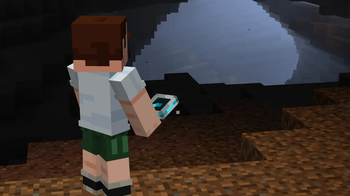
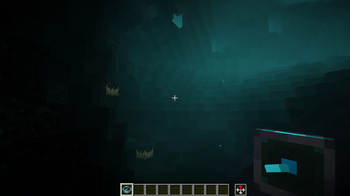
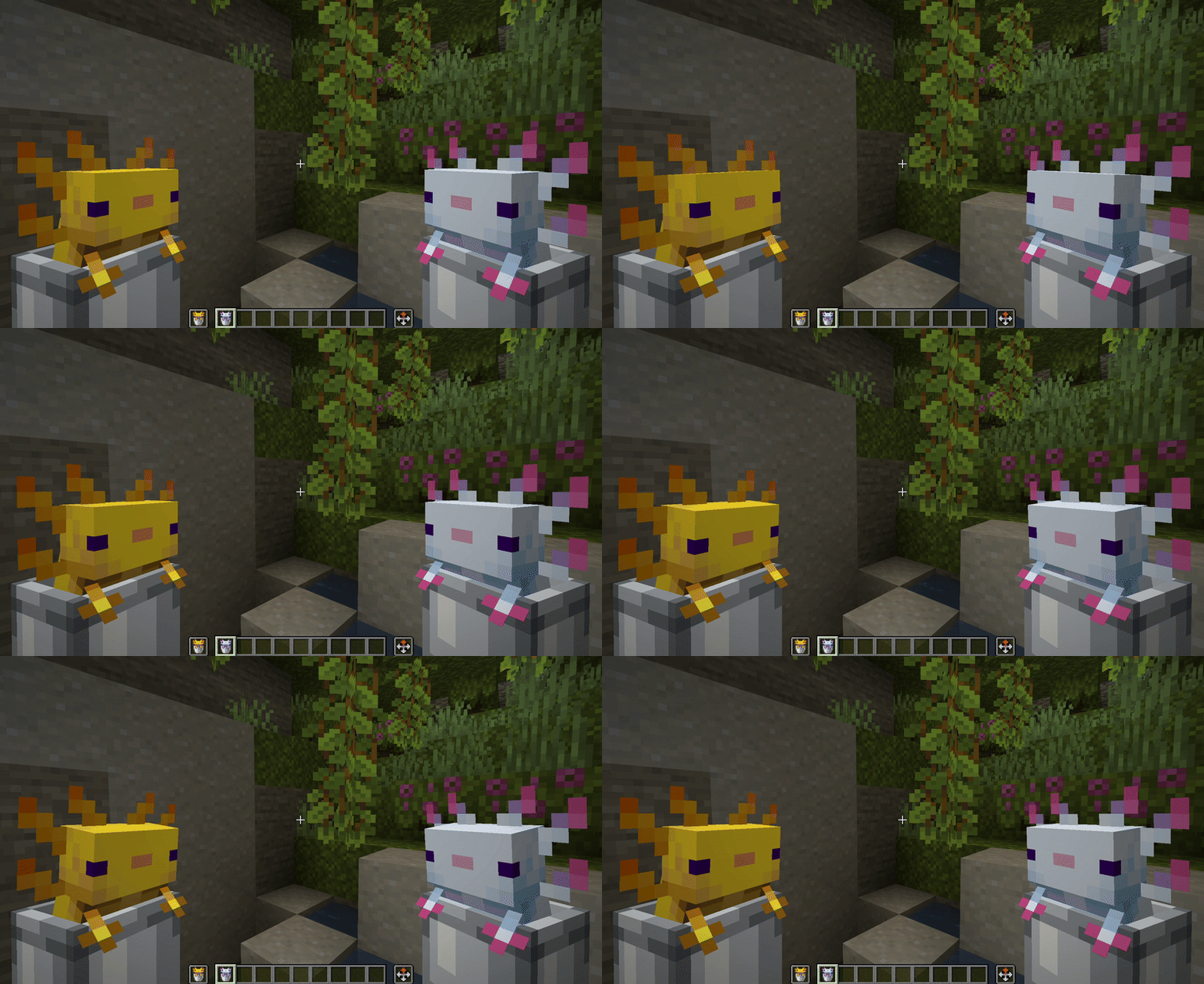
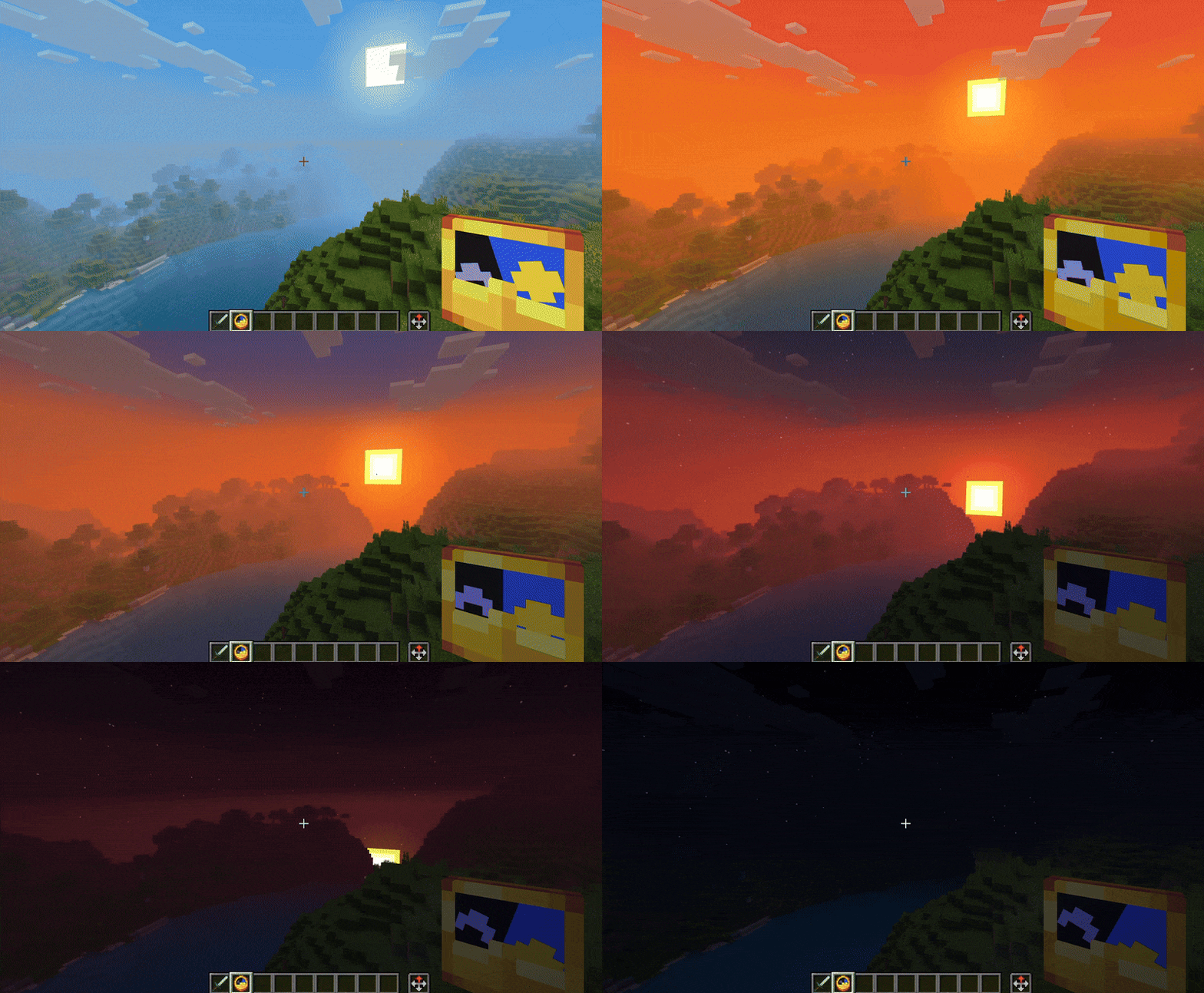
Weskerson's 3D Items in game, captured across biomes and lighting conditions.
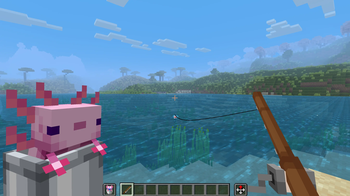
What you get
Why Weskerson's 3D Items?
Enhanced Item Depth
Three dimensional handheld items add visual depth while keeping inventory icons intact, improving in-hand looks without changing UI elements.
Vanilla Friendly
Maintains the original Minecraft style, making the pack a subtle enhancement rather than a dramatic visual overhaul.
Low Resource Cost
At 16x resolution and with models limited to items, this pack usually has a light performance impact compared to full high resolution packs.
Consistent Inventory
Inventory sprites remain unchanged, which helps when using screenshots, item sorting systems, or comparing builds across packs.
Easy to Combine
Because it targets held items only, the pack often layers well with other texture packs that alter blocks or environments.
Author Maintained
Created by weskerson and focused on a specific improvement, the pack feels intentional and focused rather than broad and inconsistent.
Downloads
Get Weskerson's 3D Items
The 10 most recent Weskerson's 3D Items builds, direct mirror links, no ad redirects.
Install
How to install Weskerson's 3D Items
Vanilla route
- 1Download the Weskerson's 3D Items jar or zip from the pack page.
- 2Open Minecraft, go to Options then Resource Packs and click Open Pack Folder.
- 3Move the downloaded pack file into the resourcepacks folder and close the folder.
- 4Select the pack inside Minecraft and click Done to apply it to your current profile.
- 5Restart Minecraft if models do not appear immediately to ensure the pack loads correctly.
Modded route (Minecraft Vanilla)
- 1Install Fabric or Forge then run Minecraft once so the mod loader creates its folders, Optifine optional.
- 2Place the Weskerson's 3D Items file into the resourcepacks folder for the profile you use.
- 3If using Optifine, confirm Custom Item Models are enabled in video settings, otherwise use Fabric model mods.
- 4Use a resource pack manager mod if available to avoid conflicts between multiple packs.
- 5Restart the game after installing mods and packs to ensure models and mods initialize together.
◎ Compatibility
✓ Tested and confirmed working on Minecraft 1.21.4
We ran Weskerson's 3D Items on Minecraft 1.21.4 even though the pack was not officially built for this version. Texture packs typically stay compatible across nearby Minecraft releases, and this one runs as expected.
Troubleshooting
Common problems
Models not showing in hand
Make sure the pack is enabled in the active resource pack list and restart Minecraft; check for conflicts with other packs that replace item models.
Visual glitches with shaders
Disable the shader temporarily to confirm interaction, then try a different shader profile or update the shader mod to the latest compatible release.
Incorrect item orientation
Toggle third person and first person views to reset rendering, and ensure no other resource pack is overriding hand model json files.
Client performance drop
Lower render distance and particle settings, remove other heavy packs or shaders, and test performance with only this pack enabled.
FAQ
Frequently asked questions
Which Minecraft versions does this pack support?+
The pack lists compatibility with recent 1.21.x releases and a 26.x entry, and players report it works across nearby versions. Texture packs generally remain compatible with nearby Minecraft versions even when they were not officially built for that release.
Will this harm game performance?+
Because it uses 16x textures and only adds models to held items, performance impact is normally small, but combining with shaders or heavy mods may increase cost.
Can I use this pack on Bedrock edition?+
This pack is made for Java edition resource pack format, and it will not work on Bedrock without conversion, which can be time consuming and may not replicate all features.
Do I need Optifine to see the 3D items?+
Optifine is not strictly required, but some modded setups that alter models may need Optifine or Fabric model support for full compatibility.
Is there any server risk using this pack?+
Client side resource packs are safe to use on servers, but some servers enforce required resource packs so check server policies before joining. Texture packs do not change server rules or behavior.
What if an item appears broken after installing?+
Disable other resource packs to isolate the issue, reapply Weskerson's 3D Items alone, and restart Minecraft; restoring the default pack can help identify the offending file.
Ready to install?