Texture pack review
Recolourful Containers GUI + HUD
Recolourful Containers GUI + HUD latest build for Minecraft 1.19.4
Recolourful Containers GUI + HUD replaces the standard grey interface with unique, block-themed designs and lively animations for containers and the HUD.
Overview
In-depth
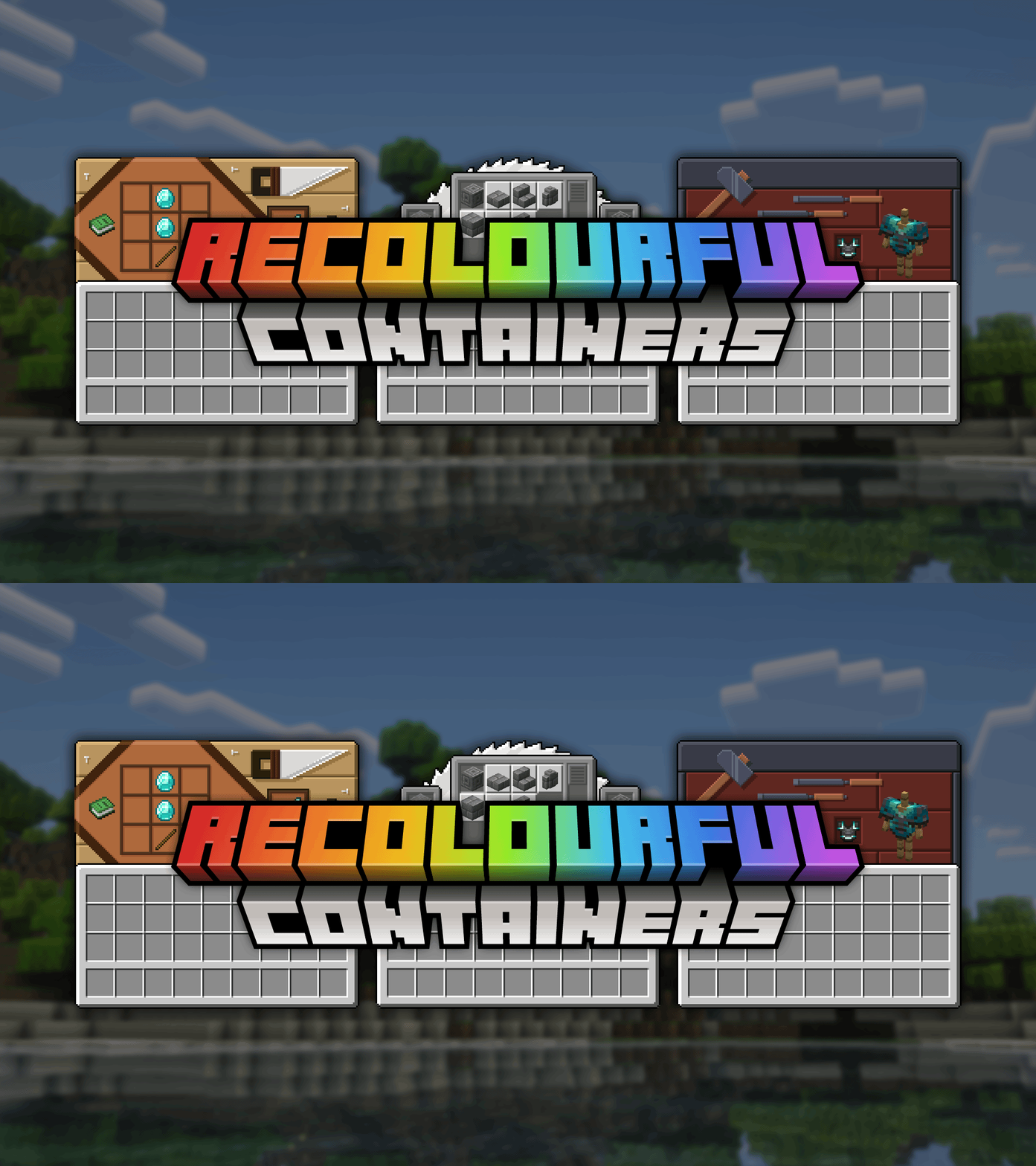
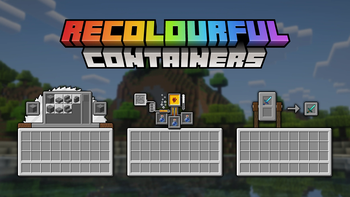
Recolourful Containers GUI + HUD updates the familiar grey container screens with colorful, block-themed designs and lively HUD accents that keep the vanilla feel while adding personality. The pack focuses specifically on user interface elements, replacing default chest, furnace, crafting, and inventory frames with versions that echo common blocks, materials, and color palettes found in gameplay.
The visual changes are subtle enough to preserve readability, with clearer slot borders, slightly tweaked item backgrounds, and animated highlights that draw attention to active elements. This makes interfaces feel fresher without altering item icons or in-world textures, so gameplay remains recognizable. Performance impact is minimal because the pack sticks to GUI and HUD assets rather than high resolution world textures.
Installation is straightforward for standard Minecraft players: simply drop the zip into your resourcepacks folder. For modded setups the pack works alongside Fabric or Forge, and it can be used with Optifine for additional GUI options, though Optifine is not required. The author Vi_Tul designed the style to match vanilla conventions, which helps avoid visual clashes with most other lightweight UI packs.
Players who prefer a coherent inventory theme will appreciate the pack when moving between different container types, as the designs share a consistent language while still reflecting the container type. The animations are tasteful, limited to small glow and slide effects, so they do not distract during fast inventory management. For more texture pack options, browse the full collection at texturespack.com.
Good fit
This pack is best for players who want a cleaner, more colorful GUI without changing core game visuals. For other themed interfaces explore the vanilla-plus category for similar picks and complementary packs.
Gallery
Screenshots
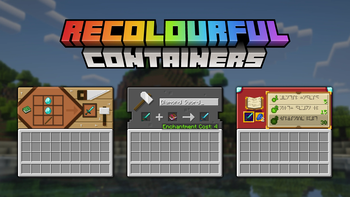
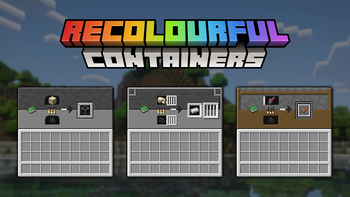
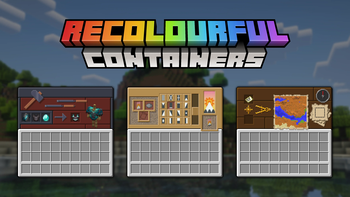
Recolourful Containers GUI + HUD in game, captured across biomes and lighting conditions.
What you get
Why Recolourful Containers GUI + HUD?
Clearer Slot Borders
Slot outlines are refined for better item visibility and quicker inventory scanning, reducing misclicks during busy play.
Consistent Theming
Container frames and HUD elements share a unified design language, keeping the interface cohesive across different screens.
Small Animations
Tasteful glow and slide effects highlight active areas without being distracting, improving attention to important UI elements.
Vanilla Friendly
The pack follows vanilla layout and iconography closely, so all familiar controls and indicators remain intuitive.
Minimal Performance Impact
Since only GUI and HUD textures change, the pack is lightweight and suitable for lower end systems.
Easy Compatibility
Designed to sit alongside most lightweight packs and mods, it rarely causes visual conflicts with other UI addons.
Downloads
Get Recolourful Containers GUI + HUD
The 9 most recent Recolourful Containers GUI + HUD builds, direct mirror links, no ad redirects.
Install
How to install Recolourful Containers GUI + HUD
Vanilla route
- 1Download the pack zip and leave it compressed, do not extract the folder.
- 2Open Minecraft, go to Options, then Resource Packs, and click Open Resource Pack Folder.
- 3Move the downloaded zip into the resourcepacks folder you opened.
- 4Return to Minecraft and enable Recolourful Containers GUI + HUD from the list.
- 5Click Done to apply the pack and test containers and HUD elements in game.
Modded route (Minecraft Vanilla)
- 1With Fabric or Forge installed, place the pack zip into the Minecraft resourcepacks folder.
- 2Launch Minecraft using your Fabric or Forge profile, then open Options, Resource Packs.
- 3Enable the pack from the list; Optifine can be used but is optional for this pack.
- 4If using other UI mods, test in a single player world to check for visual conflicts.
- 5Restart Minecraft if HUD elements do not appear correctly after enabling the pack.
◎ Compatibility
✓ Tested and confirmed working on Minecraft 1.19.4
We ran Recolourful Containers GUI + HUD on Minecraft 1.19.4 even though the pack was not officially built for this version. Texture packs typically stay compatible across nearby Minecraft releases, and this one runs as expected.
Troubleshooting
Common problems
HUD elements not appearing
Confirm the pack is enabled in the resource packs menu and restart the game. Check for other resource packs that might override HUD textures and disable them temporarily.
Animations look jittery
Lower your frame rate cap or disable VSync in video settings, then relaunch. Test with other active resource packs turned off to isolate the issue.
Wrong artwork on certain containers
Make sure you have the latest pack zip and that no other pack is higher priority in the resource pack list. Move Recolourful Containers GUI + HUD to the top of the active packs.
Pack not visible in resource pack list
Verify the zip is placed in the correct resourcepacks folder for the profile, and ensure the file is not nested inside another folder or renamed incorrectly.
FAQ
Frequently asked questions
Which Minecraft versions does this pack support?+
The pack lists support for a range of modern Java versions. Texture packs generally remain compatible with nearby Minecraft versions even when they were not officially built for that release, but always test in a single player world first.
Will this pack affect game performance?+
Changes are limited to GUI and HUD assets, so performance impact is minimal on most systems. If you notice slowdowns, try disabling other resource packs or lowering animation settings.
Can I use this pack on Bedrock Edition?+
This pack is built for Minecraft Java style resource packs, so it will not work natively on Bedrock. Bedrock requires a different pack format and toolchain.
Do I need Optifine to use this pack?+
Optifine is not required, the pack works with vanilla Minecraft. Optifine can be used optionally for extra GUI options, but functionality is not dependent on it.
Is there any risk using this on a multiplayer server?+
Using clientside resource packs like this one does not alter server behavior, it only changes your local visuals. Servers that enforce a different resource pack may override your client pack.
What should I do if textures look broken?+
Try disabling other texture packs to find a conflict, then move this pack to the top of the resource packs list. Clearing the shader cache or removing custom shaders can also help resolve rendering issues.
Ready to install?