Texture pack review
Hypixel Plus
Hypixel Plus latest build for Minecraft 26.2
Hypixel Plus is a comprehensive texture pack specifically designed to overhaul the visuals of Hypixel minigames like SkyBlock and Bedwars while staying true to the original Minecraft look.
Overview
In-depth
Hypixel Plus is a vanilla-plus texture pack aimed at refining the visual style used in Hypixel minigames such as SkyBlock and Bedwars while keeping the familiar Minecraft look intact. The pack smooths out several item textures, clarifies small UI elements, and adjusts contrast on blocks that often cause readability problems during fast gameplay. That makes it a practical choice for players who want clearer visuals without abandoning the classic aesthetic.
The creator left the author field as Unknown, but the pack shows careful attention to icon legibility and consistent shading across related assets. Colors are slightly boosted in places where default textures can blend together, which helps when scanning inventories or spotting important blocks in cluttered builds. If you want to browse other texture packs with a similar approach, check the collection on our main texture packs page.
Textures here focus on gameplay clarity rather than photorealism. That means lower risk of performance drops on average hardware, while still offering a cleaner, more polished appearance for competitive or casual minigame sessions. It also contains multiple supported Minecraft versions, so you can try it across several releases without expecting dramatic visual differences.
For those who prefer to explore packs by category, Hypixel Plus fits into the vanilla-plus grouping, where small, targeted tweaks are prioritized over total visual overhaul. If visible changes look different in some server contexts, it is often due to server resource packs or client-side settings. For downloads and other packs in the same category, see the vanilla-plus channel on the site.
Who should try this pack
Players who want slight improvements to readability and item clarity in Hypixel minigames, while keeping familiar block shapes and colors, will find Hypixel Plus fits that niche. It works well as a subtle upgrade for those who dislike drastic texture changes but want improved visual cues during fast play.
Gallery
Screenshots
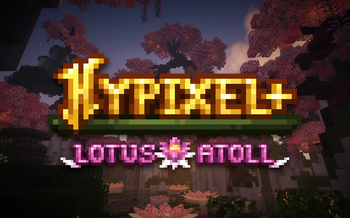
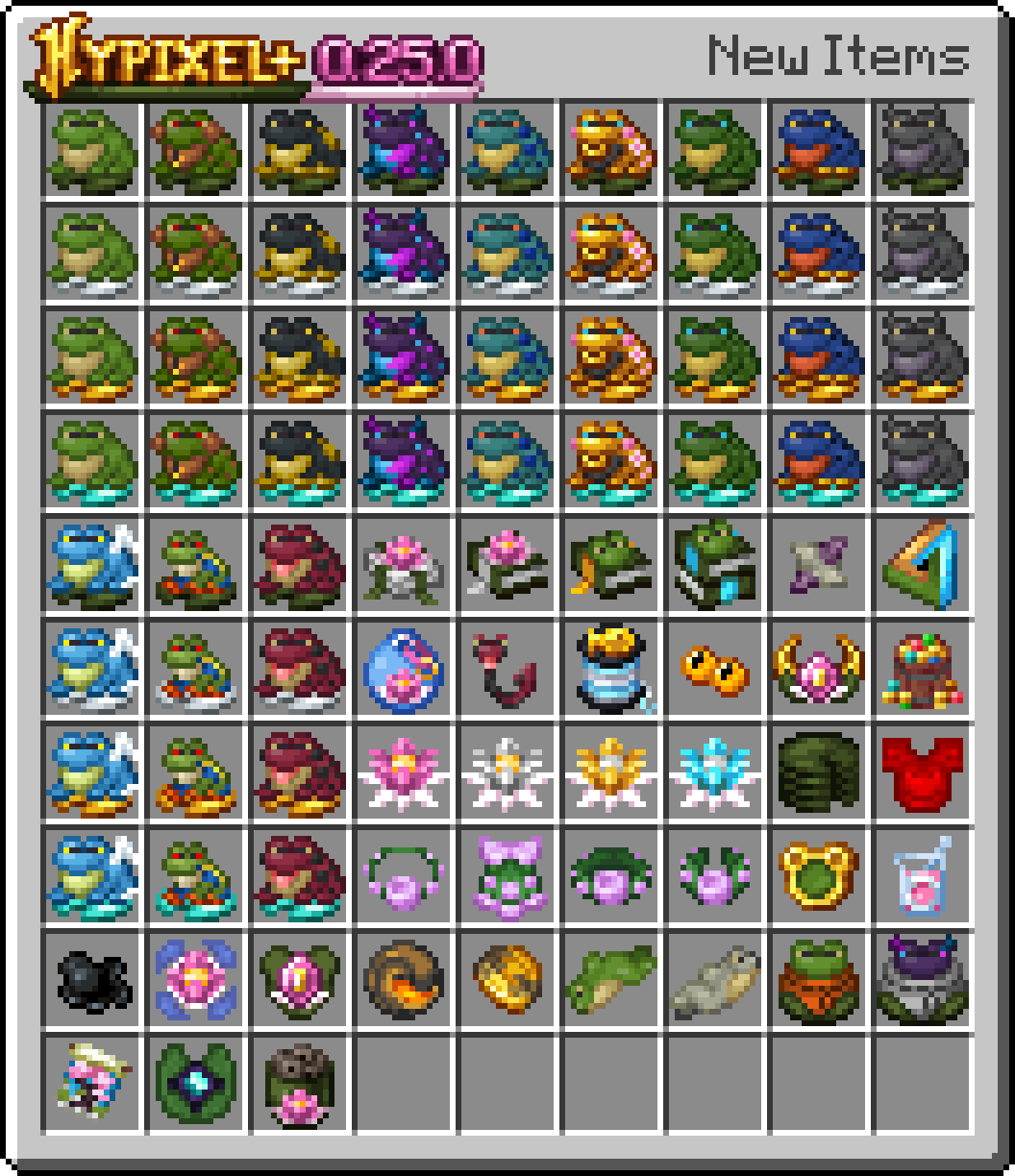
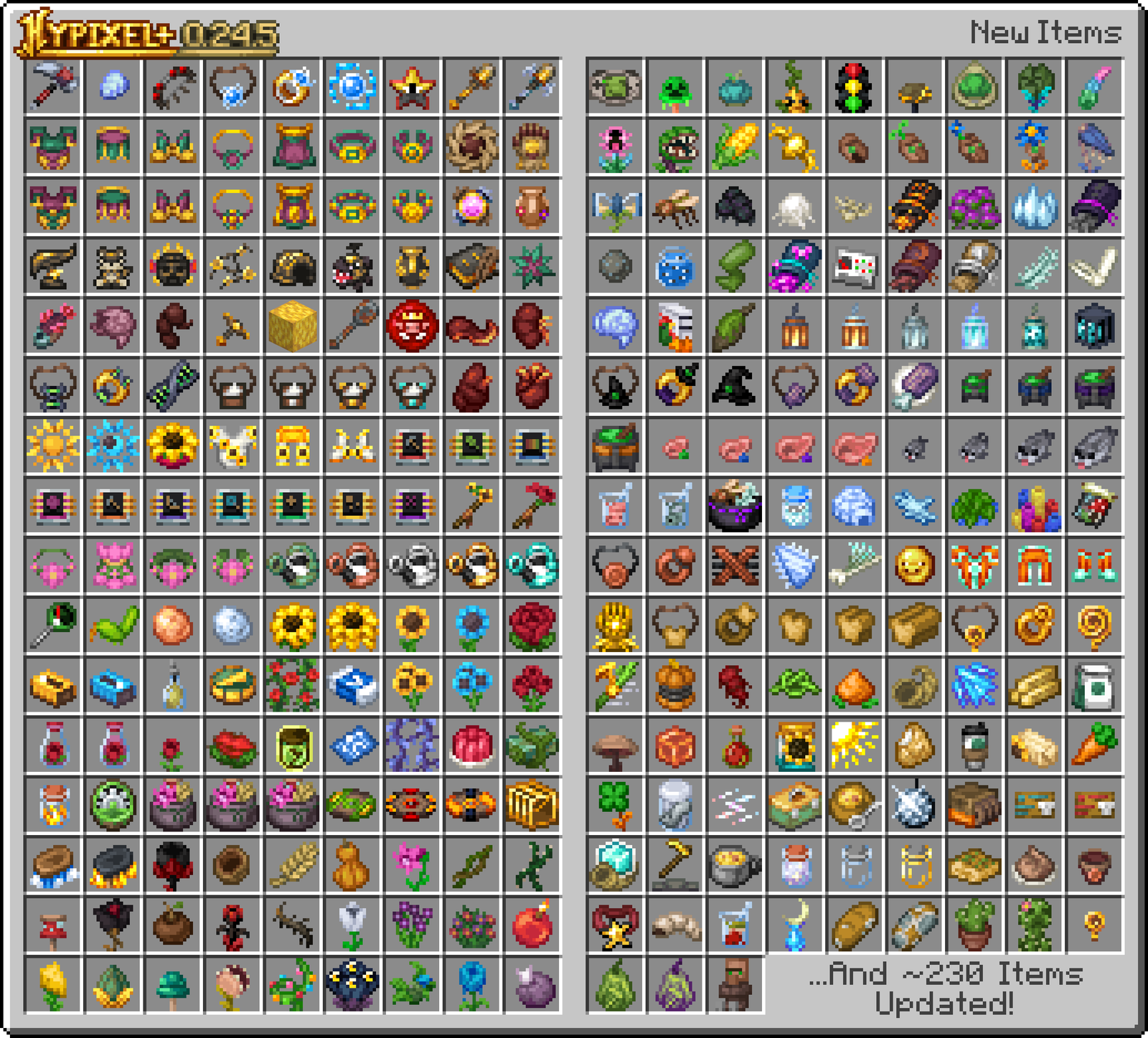
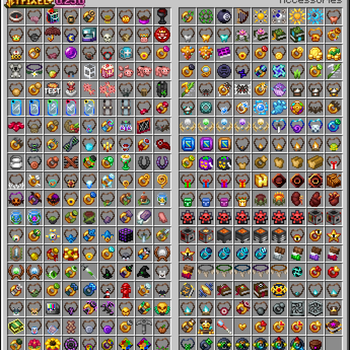
Hypixel Plus in game, captured across biomes and lighting conditions.
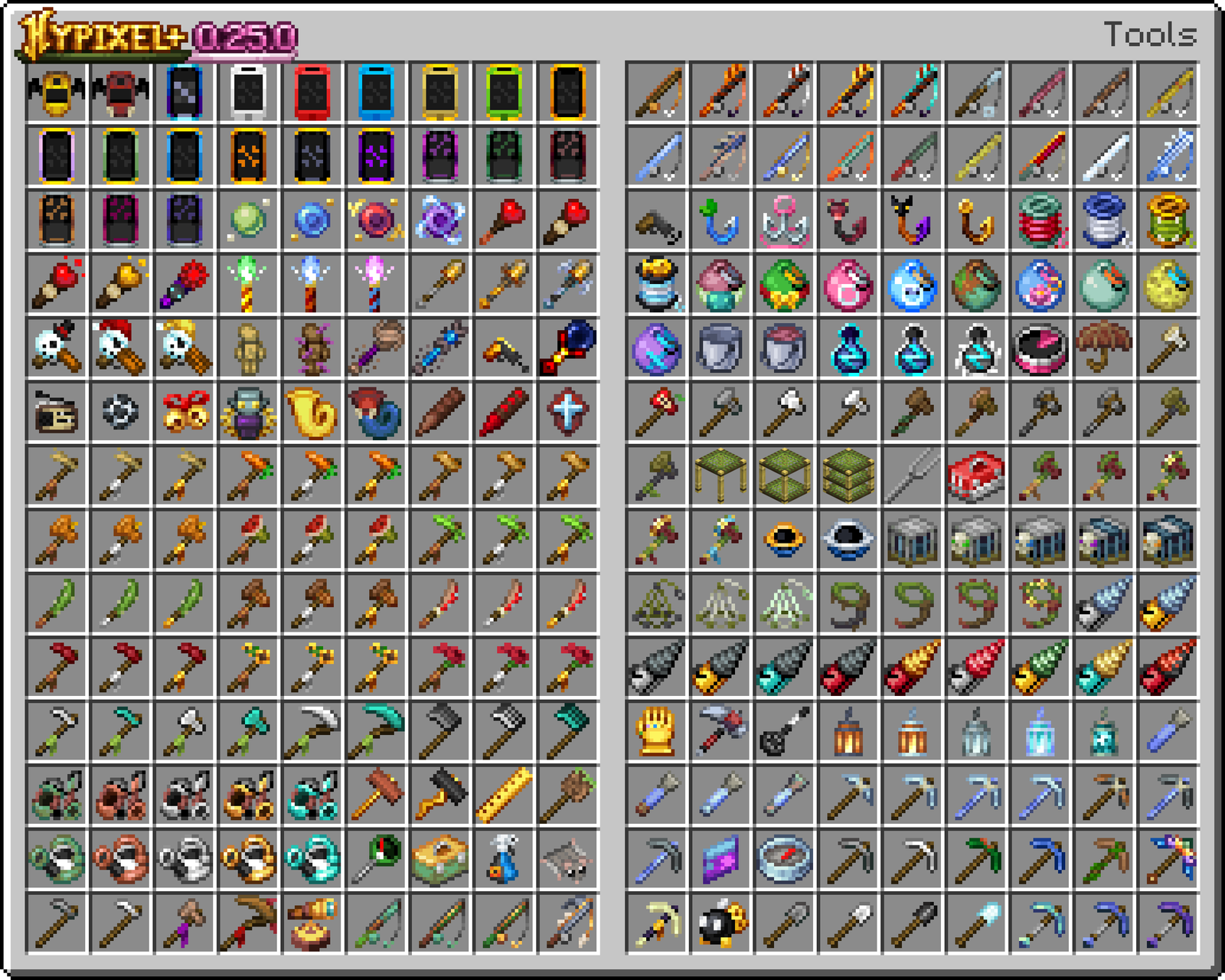
What you get
Why Hypixel Plus?
Improved Readability
Small icons and important items are clarified, so you can spot critical inventory items faster during intense play.
Minimal Performance Hit
The pack keeps textures close to vanilla, so most players will not see major frame drops while enjoying cleaner visuals.
Consistent Shading
Related textures share a cohesive shading style, which reduces visual noise across tools, armor, and common blocks.
Better Contrast
Contrast tweaks make important blocks and UI elements stand out more, helpful for quick decision making in minigames.
Multiple Versions Supported
Hypixel Plus has builds for many Minecraft releases, so it is easier to match your client version without extra conversion tools.
Vanilla Familiarity
The pack keeps core shapes and colors intact, so there is little learning curve compared to full overhaul packs.
Downloads
Get Hypixel Plus
The 10 most recent Hypixel Plus builds, direct mirror links, no ad redirects.
Install
How to install Hypixel Plus
Vanilla route
- 1Download the Hypixel Plus zip from the pack page on texturespack.com
- 2Open Minecraft launcher and run the version that matches the pack
- 3Select Installations then click the folder icon to open the game directory
- 4Place the Hypixel Plus zip inside the resourcepacks folder
- 5Launch Minecraft, go to Options, Resource Packs, and enable Hypixel Plus
Modded route (Minecraft Vanilla)
- 1Install Fabric or Forge for your Minecraft version, Optifine is optional for extra control
- 2Start the launcher to create the mods folder and close it when finished
- 3Drop the Hypixel Plus zip into the resourcepacks folder inside the game directory
- 4Enable the pack from Minecraft Options, Resource Packs and adjust mod settings as needed
- 5Restart Minecraft after adding Optifine or mod changes to ensure proper loading
◎ Compatibility
✓ Tested and confirmed working on Minecraft 26.2 and 26.1.2
We ran Hypixel Plus on Minecraft 26.2 and 26.1.2 even though the pack was not officially built for these versions. Texture packs typically stay compatible across nearby Minecraft releases, and this one runs as expected.
Troubleshooting
Common problems
Textures look different on server
Server resource packs can override client textures, try disabling server resource packs in the multiplayer menu or check server settings.
Pack not visible in resource packs
Ensure the zip is placed directly in the resourcepacks folder and that you are running the matching Minecraft version, then restart the launcher.
Items appear low resolution
Some builds target vanilla resolutions; enable Optifine or use a nearby supported Minecraft version for better filtering when needed.
Conflicting visuals with other packs
Load Hypixel Plus higher in the resource pack list or remove overlays from other packs so Hypixel Plus assets take precedence.
FAQ
Frequently asked questions
Which Minecraft versions does Hypixel Plus support?+
The pack lists many supported versions across 1.8.9 through recent 1.21.x releases. Texture packs generally remain compatible with nearby Minecraft versions even when they were not officially built for that release, though small differences can occur.
Will Hypixel Plus hurt my frame rate?+
Because this is a vanilla-plus pack with modest changes, most players should not see a large performance hit. Performance can still vary by GPU, resolution, and additional mods.
Can I use this on Bedrock Edition?+
Hypixel Plus targets Java texture formats and loaders, so it is not directly compatible with Bedrock without conversion tools. Converted packs may work but can require manual fixes.
Do I need Optifine to use Hypixel Plus?+
Optifine is not required to use the pack, but it is optional for extra graphical options and better texture filtering. Optifine can improve how some textures appear at different resolutions.
Is it safe to run this pack on multiplayer servers?+
Yes, using a client-side texture pack is usually safe; however, some servers enforce their own resource packs which can replace client textures. Texture packs do not pose a server security risk by themselves.
What should I do if a texture is broken?+
Try re-downloading the pack and ensure the zip structure is correct, then test with and without other resource packs. If problems persist, use a nearby supported Minecraft version as packs often still work across close releases.
Ready to install?