Texture pack review
FantasyPvP's
FantasyPvP's 256x, latest build for Minecraft 1.8.9
A detailed 256x resource pack designed to provide a competitive edge in PvP without sacrificing visual quality or performance.
Overview
In-depth
FantasyPvP's is a 256x resource pack focused on PvP clarity and readable visuals while keeping texture detail higher than typical low-res packs. It rearranges and refines key combat textures, such as swords, shields, crosshairs, and hit indicators, to reduce visual noise during fights and make target acquisition easier. The author, ZXQ5, aims to balance readability with a recognizable artistic layer so the world still feels crafted rather than purely functional.
The pack keeps foliage and terrain detail at a mid to high level, which helps with depth perception and tracking opponents across varied environments. For players who want a clearer HUD and crisper item models without dropping down to 16x or 32x, FantasyPvP's offers a middle ground: sharper combat textures, but retained environmental richness. That approach can make kiting and strafing feel more consistent, because outlines and hit feedback are easier to parse at a glance.
Installation is straightforward for standard Minecraft, and the pack can be used with optimization mods for better frame rates on modest hardware. See the general collection on our site for more packs that prioritize combat clarity at different resolutions by visiting the main texture packs directory.
Who should try this pack
Players who enjoy PvP but do not want to sacrifice aesthetic detail may find FantasyPvP's fits their preferences. It is also useful for content creators who want a clean look on stream without completely changing the game aesthetic. For more PvP options, check the PvP category on texturespack.com to compare styles and resolutions that suit your play style.
Gallery
Screenshots
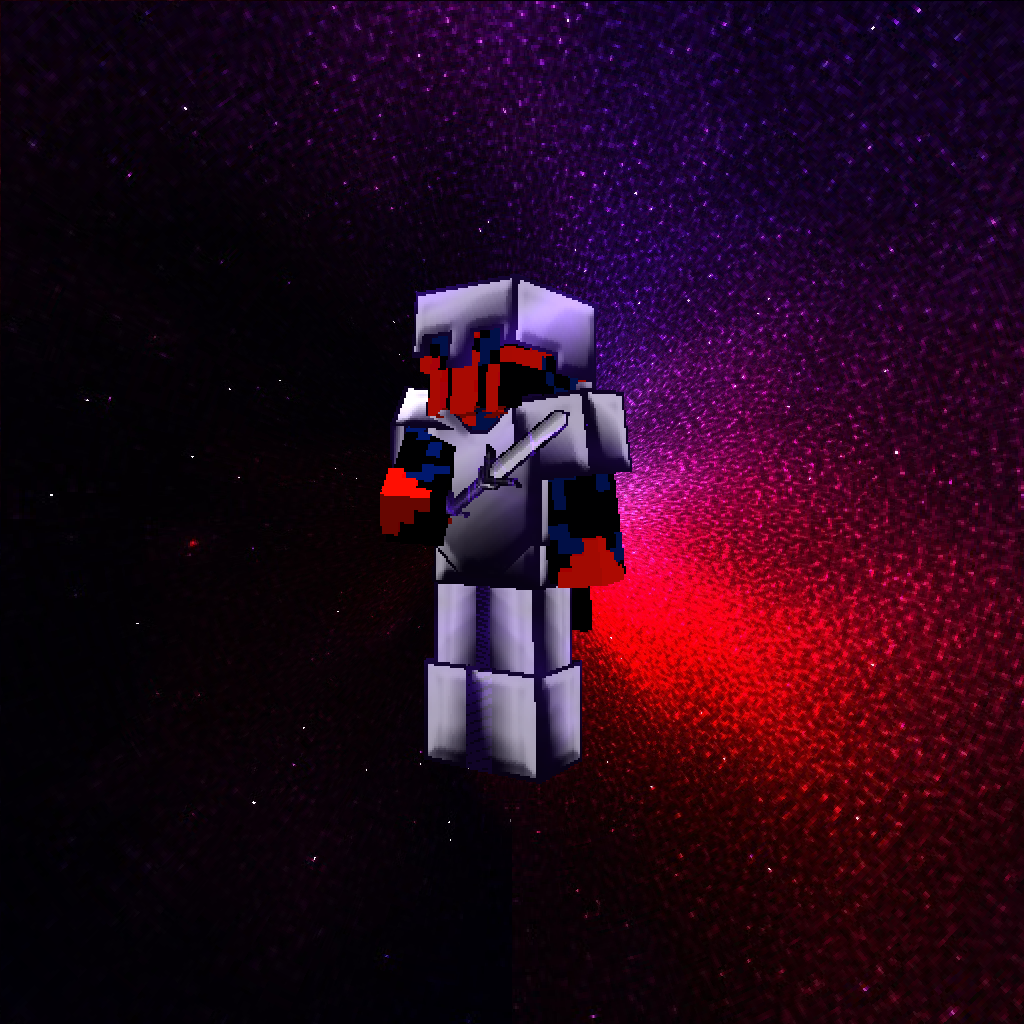
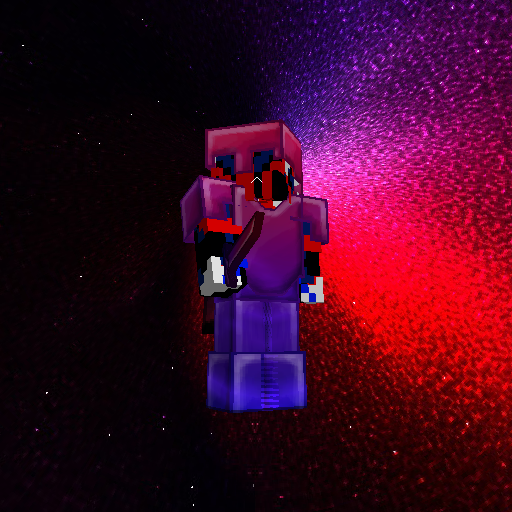
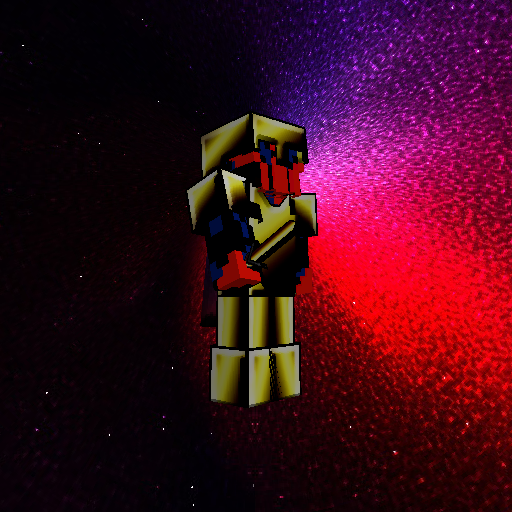
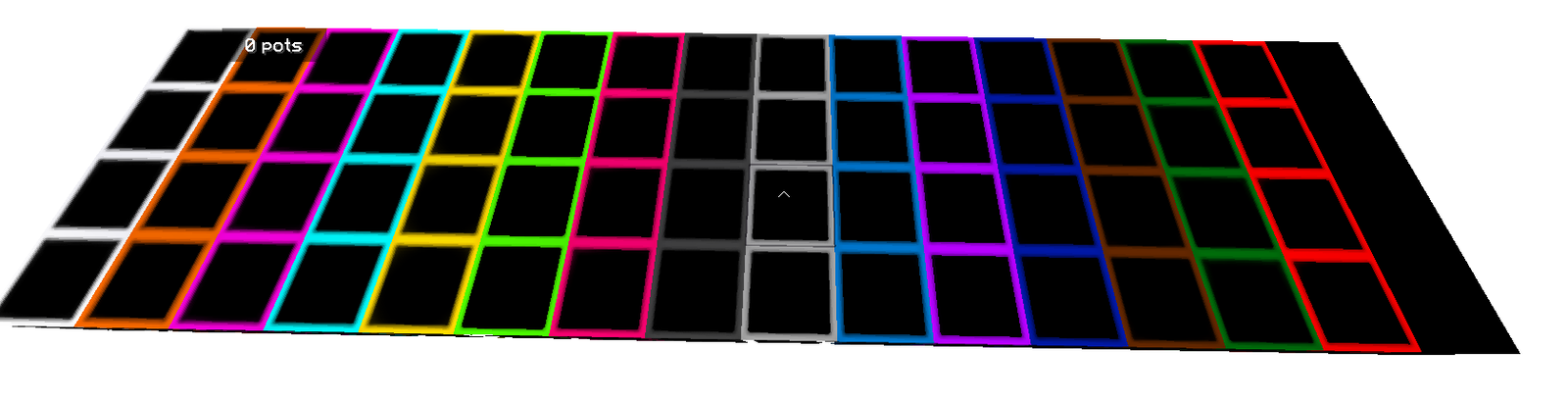
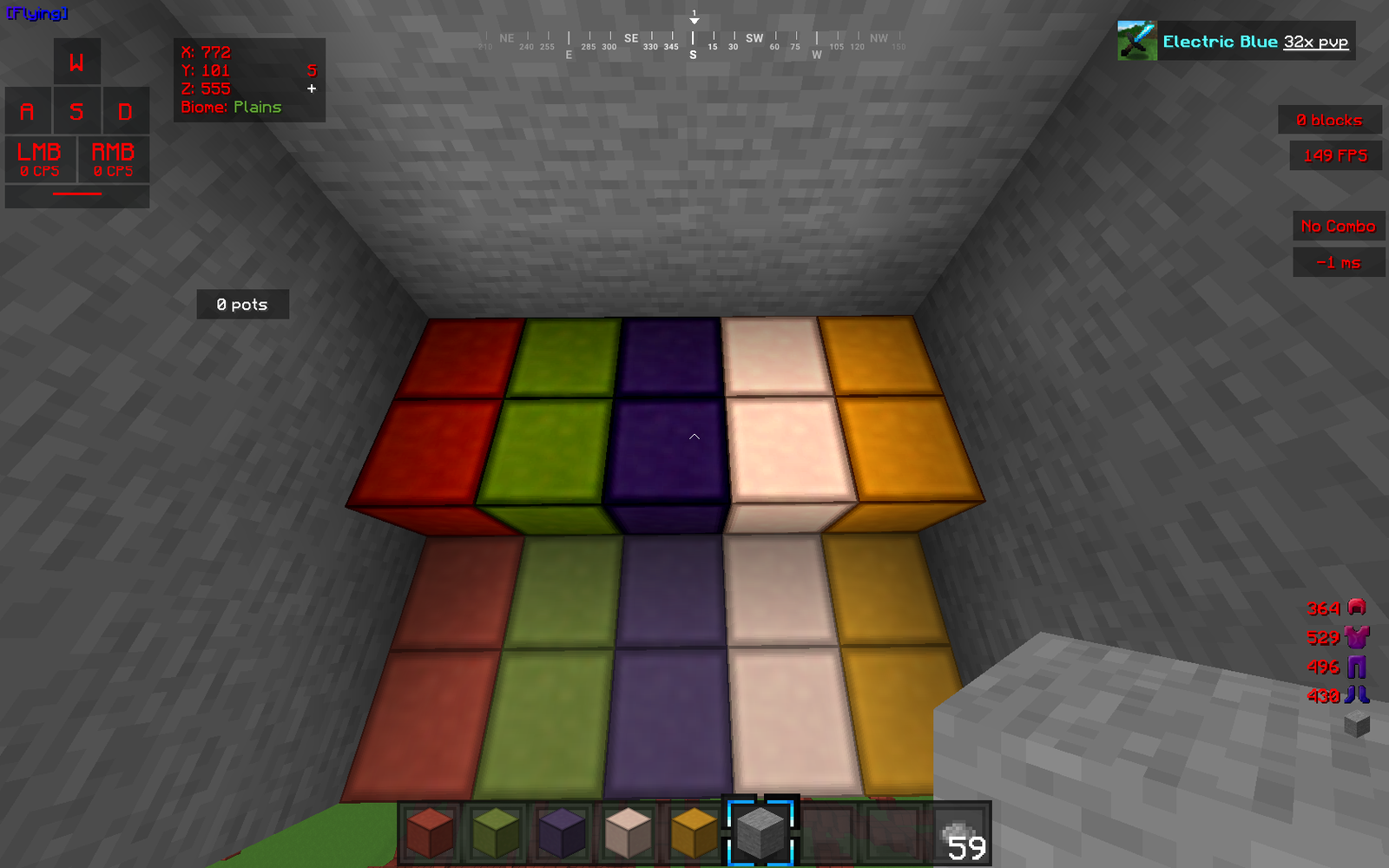
FantasyPvP's in game, captured across biomes and lighting conditions.
What you get
Why FantasyPvP's ?
Clear combat textures
Swords, crosshairs, and hit effects are refined to reduce distraction, making target tracking and timing more consistent in fights.
High resolution detail
At 256x the pack keeps environmental textures detailed, so terrain cues remain visible while combat elements stay clear and readable.
Balanced visual style
The aesthetic stays recognizable and crafted, avoiding a purely utilitarian look that some PvP packs adopt.
Better HUD clarity
Interfaces and item models are tuned for fast recognition, which helps in hotbar swaps and quick inventory decisions during combat.
Compatible with optimizers
Works well alongside performance mods and shaders when balanced settings are used, letting you prioritize frame rate or visuals.
Good for creators
Streamers and video makers get a clean, presentable look that keeps action visible without washing out the world detail.
Downloads
Get FantasyPvP's
The 10 most recent FantasyPvP's builds, direct mirror links, no ad redirects.
Install
How to install FantasyPvP's
Vanilla route
- 1Download the FantasyPvP's pack file from the author or site.
- 2Open Minecraft launcher, go to Installations and run the matching game version.
- 3From the main menu, select Options, then Resource Packs, and click Open Pack Folder.
- 4Move the downloaded pack zip into the resourcepacks folder, then enable it in game.
- 5Restart the game if textures appear missing or to ensure full reloading.
Modded route (Vanilla)
- 1Install Fabric or Forge for your chosen Minecraft version, Optifine is optional.
- 2Place the FantasyPvP's pack zip into the resourcepacks folder as usual.
- 3Run Minecraft with Fabric or Forge profile and enable the pack in Resource Packs.
- 4Adjust Optifine settings or mod options for performance, shaders compatibility optional.
- 5Restart the client to ensure all modded texture hooks load properly.
◎ Compatibility
✓ Tested and confirmed working on Minecraft 1.8.9
We ran FantasyPvP's on Minecraft 1.8.9 even though the pack was not officially built for this version. Texture packs typically stay compatible across nearby Minecraft releases, and this one runs as expected.
Troubleshooting
Common problems
Low FPS after enabling pack
Lower in-game render distance, disable heavy shaders, or enable performance mods such as Optifine or Fabric optimization. Consider using fewer background apps while playing.
Missing textures or purple/black blocks
Make sure you loaded the pack for the correct Minecraft version and restart the client. If issue persists, re-download the pack and replace the zip in the resourcepacks folder.
HUD elements look stretched
Check GUI scale and resource pack options, set GUI scale to a value that matches your resolution, then reload the resource packs to apply changes.
Incompatibility with other packs
Do not enable multiple packs that modify the same assets. Use a pack manager or manually merge assets, backing up originals before combining.
FAQ
Frequently asked questions
Which Minecraft versions does FantasyPvP's support?+
The pack lists support for several 1.8.9 and 1.17 series versions. Texture packs often remain compatible with nearby Minecraft releases even when they were not officially built for that release, but you may see minor visual issues on distant versions.
Will this pack reduce my FPS?+
Higher resolution packs like 256x can impact frame rate on weaker systems. Using Optifine or Fabric performance mods and lowering shaders or render distance will usually restore acceptable FPS.
Can I use this on Minecraft Bedrock?+
This pack is built for Java edition formats; Bedrock uses a different resource structure, so it is not directly compatible without conversion tools and manual edits.
Do I need Optifine to run FantasyPvP's?+
Optifine is not required to use the pack, but it is recommended as an optional tool for performance tweaks and additional settings. The pack will function without it.
Is it safe to use on multiplayer servers?+
Using a texture pack is generally safe on most servers, as they only change client-side visuals. Server rules can vary, so check server policies about resource packs before joining.
Textures look wrong after installing, how do I fix it?+
Try reloading resource packs from the Options menu, ensure the pack matches your Minecraft version, and clear the resourcepacks folder of duplicates. Redownloading the pack often fixes corrupted files.
Ready to install?