Texture pack review
Eeveelutions Reimagined
Eeveelutions Reimagined latest build for Minecraft 1.21
This update focuses on giving each Eeveelution custom animations and higher quality models for a more natural look in the game.
- Style
- Mod Support
- Platform
- Java
- Author
- SK4N
- First release
- Jun 9, 2025
- Latest version verified
- 1.21
Overview
In-depth
Eeveelutions Reimagined starts with a clear promise: rework the seven Eevee evolutions into more detailed, animated in-game creatures while remaining usable in standard Minecraft. This pack by SK4N focuses on custom models and animation touches that aim to make each Eeveelution feel distinct, from subtle tail movements to unique idle poses. The result is not a complete gameplay overhaul, it is a visual mod that layers new models over familiar mob behavior, so you still recognize how these creatures behave while appreciating the new presentation.
The textures maintain a consistent style that matches modded content, with higher model fidelity and a gentle palette that avoids overly saturated colors. If you want a single place to browse other texture packs for different themes, visit our main galleries here: browse texture packs. The author notes an emphasis on natural looking motion, and you will notice brief custom animations in environments where mobs are active, which helps the models feel less static and more like living creatures.
Installation is straightforward for players who run resource packs alongside mod loaders. This pack is listed under mods style and plays well with packs that prioritize model replacements and animated textures. For more resources and other mods-themed packs, check the category listing here: mods texture packs. The license is Creative Commons Attribution Non Commercial 4.0 International, so redistribution should follow those terms, and the pack is attributed to SK4N.
Performance impact will vary by system, since custom models and animations can increase GPU and CPU workload compared to default mobs. Many users report smooth play on midrange hardware, though lower-end machines may need to adjust settings. The pack supports Minecraft 1.21 and 1.21.1 officially, and similar nearby versions may also work with minimal issues.
First impressions
For players who enjoy Pokemon inspired aesthetics inside Minecraft, Eeveelutions Reimagined is a targeted pack that gives the Eeveelutions personality while integrating with common modded setups. It is not a complete creature overhaul, but it is a high quality visual upgrade for those specific mobs.
Gallery
Screenshots
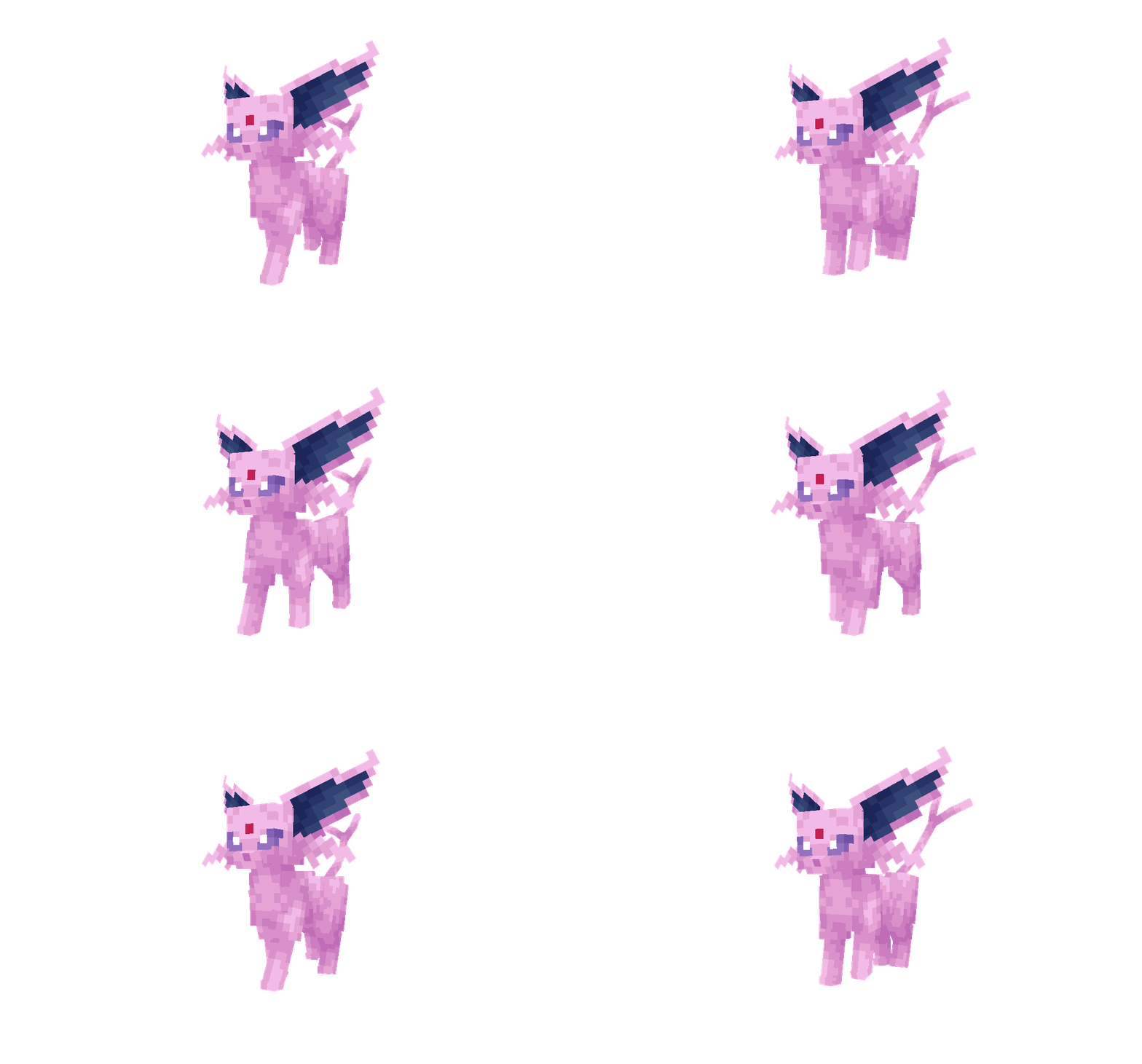
Eeveelutions Reimagined in game, captured across biomes and lighting conditions.
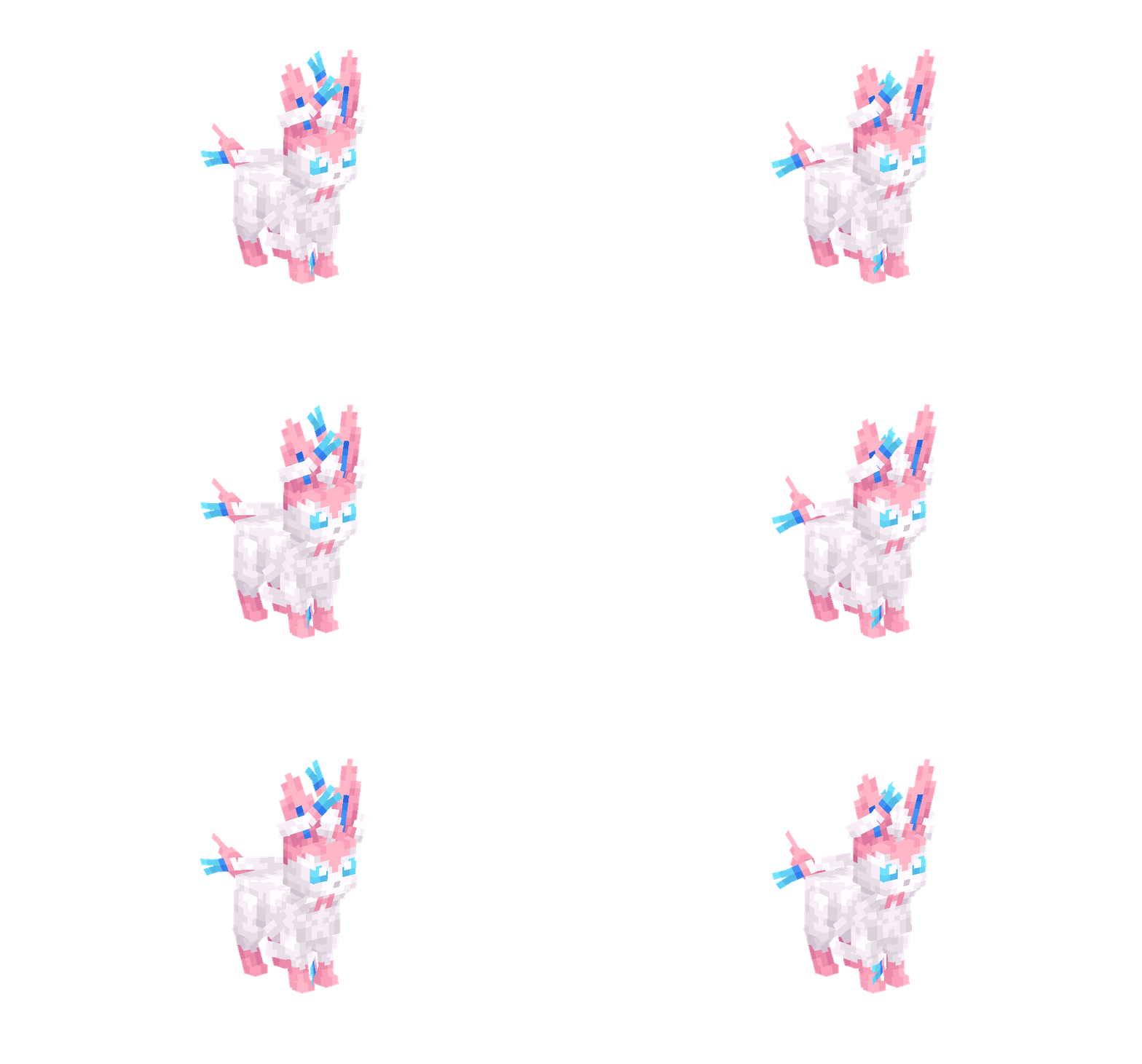
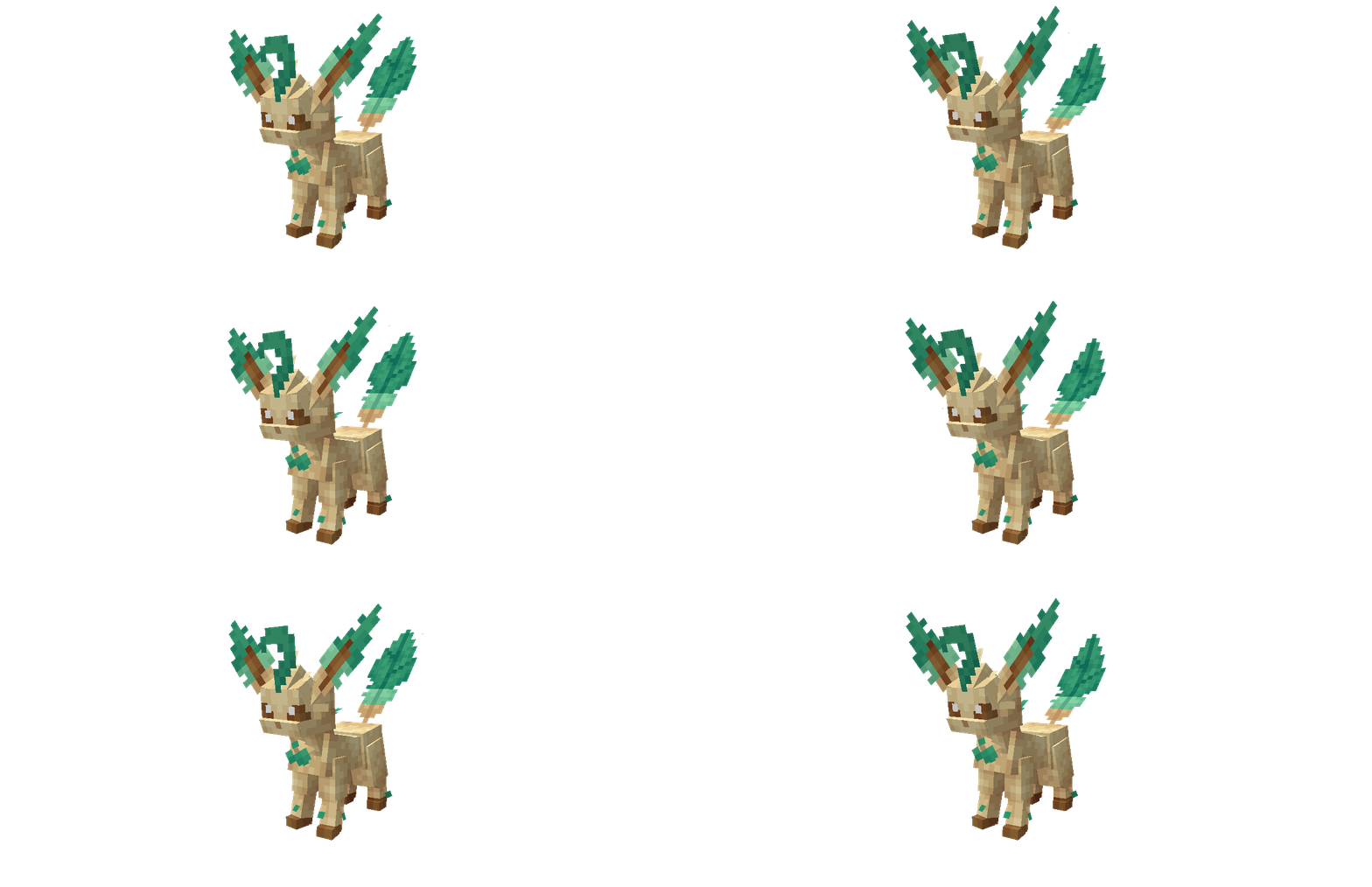
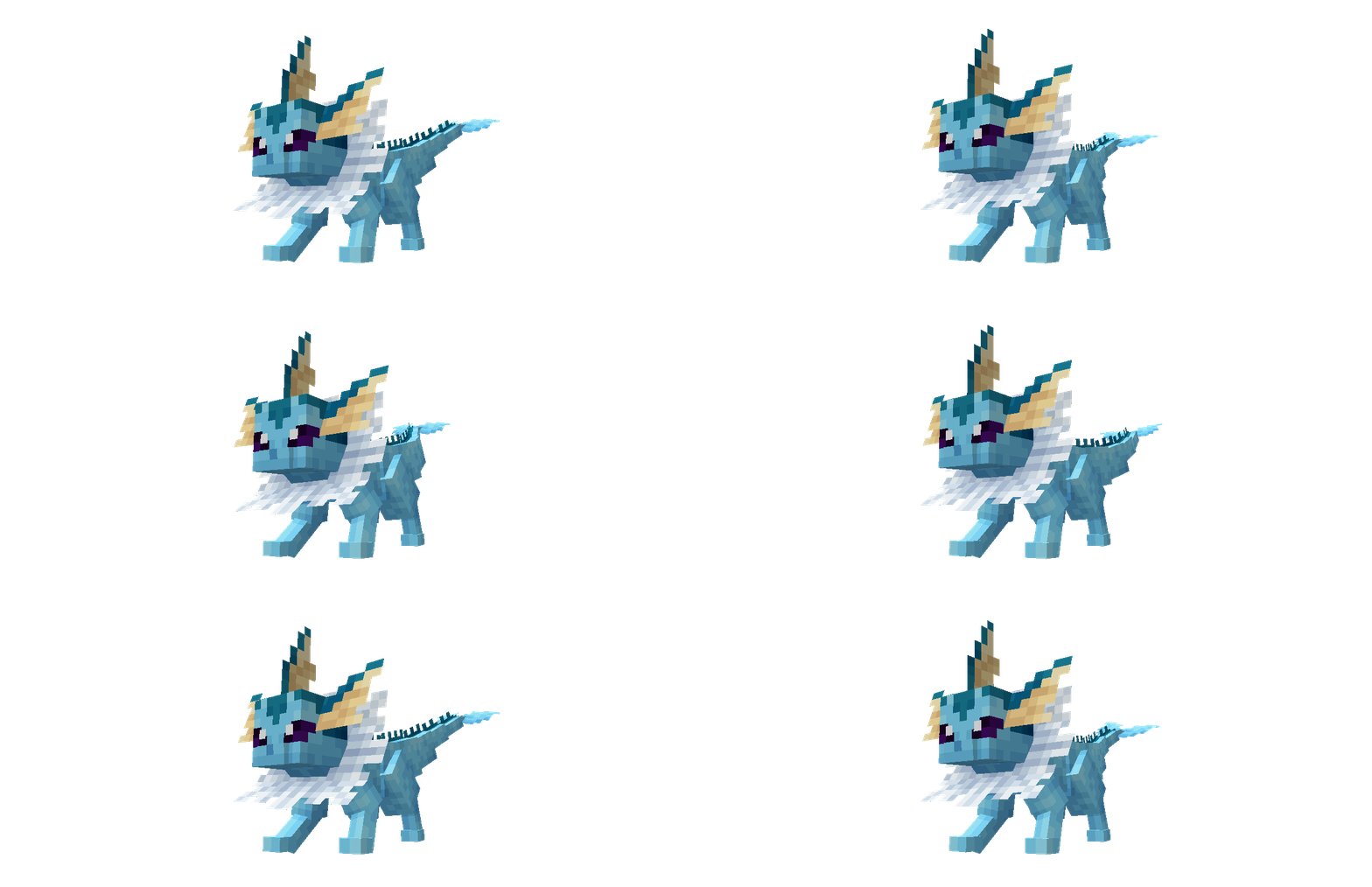
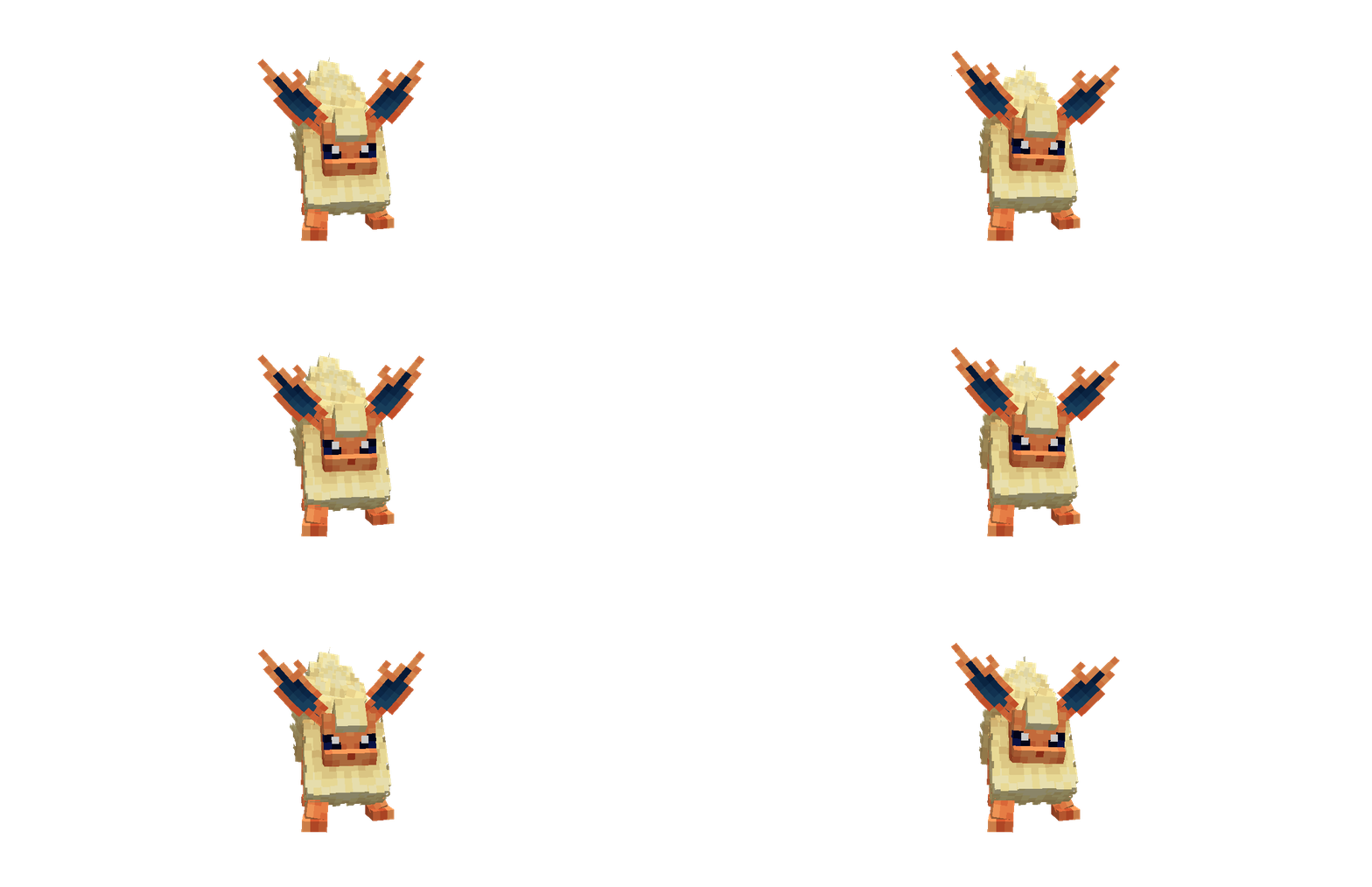
What you get
Why Eeveelutions Reimagined?
Distinctive character models
Each Eeveelution receives a custom model, giving them more personality and motion compared to flat or reused mob models.
Subtle animations
Small idle and movement animations reduce stiffness, making the creatures feel more alive without changing gameplay mechanics.
Mod style compatibility
Designed for a mods aesthetic, the pack integrates well with other model and animation focused resource packs.
Consistent color palette
A restrained palette keeps each Eeveelution recognizable and avoids clashing with standard Minecraft environments.
Author attribution
Released by SK4N under a clear Creative Commons license, allowing non commercial sharing with proper credit.
Easy to preview
The pack is easy to test in a single player world, so you can see the models and animations without extensive setup.
Downloads
Get Eeveelutions Reimagined
The 4 most recent Eeveelutions Reimagined builds, direct mirror links, no ad redirects.
Install
How to install Eeveelutions Reimagined
Vanilla route
- 1Download the pack file and unzip it if necessary into your resourcepacks folder.
- 2Open Minecraft, go to Options, then Resource Packs, and click Open Resource Pack Folder.
- 3Move the pack folder into the opened resourcepacks directory, then return to Minecraft.
- 4Activate Eeveelutions Reimagined from the Available list and move it to Selected.
- 5Restart the game if animations or models do not appear immediately.
Modded route (Minecraft Vanilla)
- 1Install Fabric or Forge depending on your mod setup, Optifine optional for shader and performance tweaks.
- 2Place Eeveelutions Reimagined in the resourcepacks folder of your Minecraft instance.
- 3Ensure any model loader mods you use are compatible with Fabric or Forge and are enabled.
- 4Start Minecraft with the chosen loader profile and enable the pack from Options, Resource Packs.
- 5Restart the game if animations or models fail to load correctly after enabling the pack.
◎ Compatibility
✓ Tested and confirmed working on Minecraft 1.21
We ran Eeveelutions Reimagined on Minecraft 1.21 even though the pack was not officially built for this version. Texture packs typically stay compatible across nearby Minecraft releases, and this one runs as expected.
Troubleshooting
Common problems
No animations visible
Make sure the pack is active in the Resource Packs menu and restart Minecraft, many animation features require a game restart.
Texture glitches on certain mobs
Check for conflicting resource packs and temporarily disable others to isolate conflicts, then re-enable one at a time.
High GPU usage
Lower view distance and detail settings or disable shaders, animated models increase rendering load and tweaking settings reduces strain.
Pack not showing in-game
Confirm the folder structure is correct, the pack should be in resourcepacks with a pack.mcmeta file at the top level.
FAQ
Frequently asked questions
Which Minecraft versions does Eeveelutions Reimagined support?+
The pack lists official support for Minecraft 1.21 and 1.21.1. Texture packs generally remain compatible with nearby Minecraft versions even when they were not officially built for that release.
Will this pack slow down my game?+
Custom models and animations can increase GPU and CPU usage, so expect some performance impact on lower end hardware.
Can I use this on Bedrock Edition?+
This pack is designed for Java resource packs and may not work on Bedrock without conversion, Bedrock uses a different resource format.
Do I need Optifine to run the pack?+
Optifine is not strictly required, but it can help with performance and shader compatibility if you use shaders or need better texture handling.
Is it safe to use on multiplayer servers?+
Using a client side resource pack is generally safe, but some servers may enforce their own resource packs or block model overrides.
How do I fix model breakage after updating Minecraft?+
Re-enable the pack after updates and check the pack page for notes, texture packs often work across nearby versions but may need slight adjustments.
Ready to install?