Texture pack review
Cubic Sun & Moon
Cubic Sun & Moon latest build for Minecraft 1.5.3
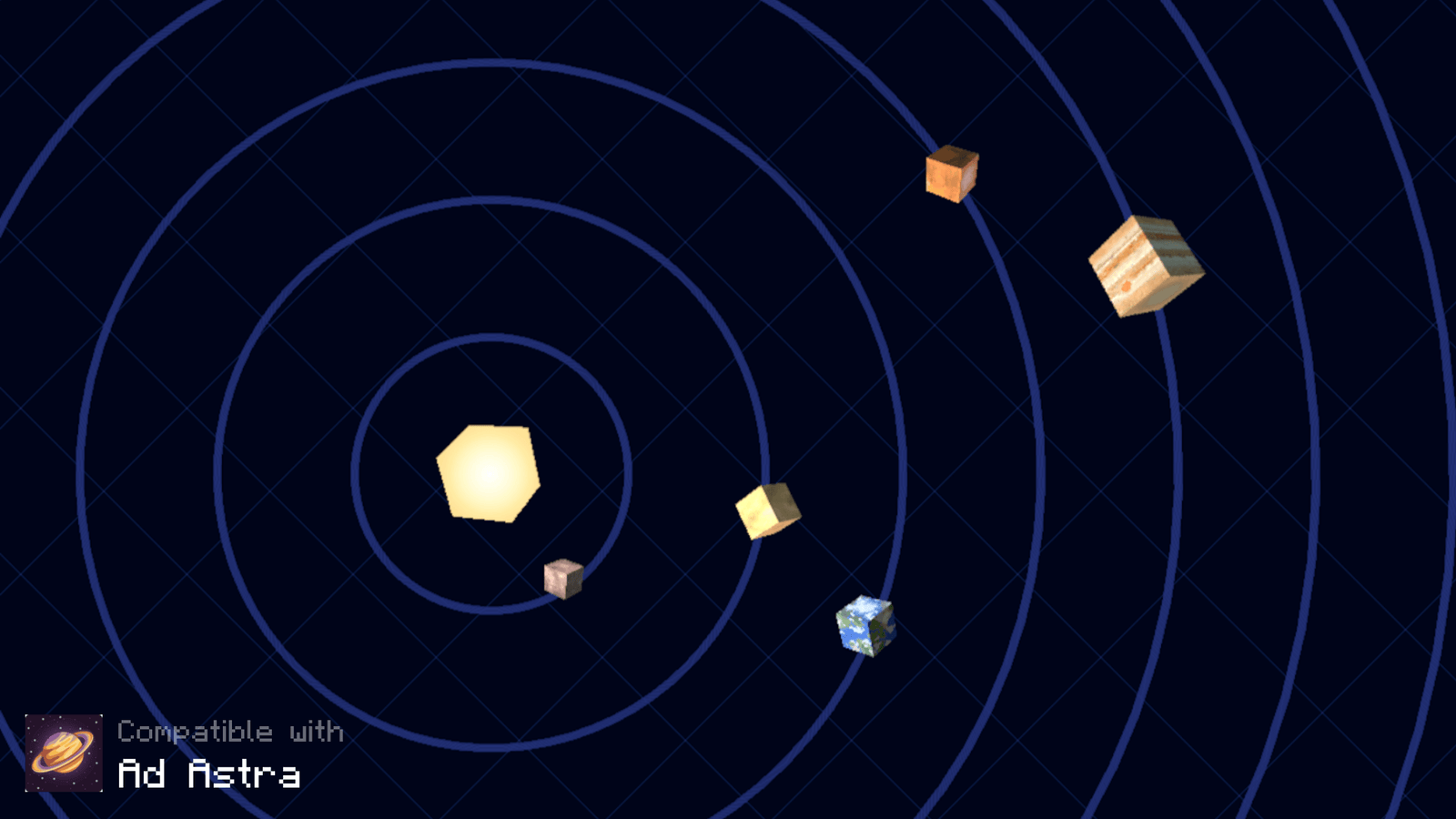
This simple resource pack replaces the flat sun and moon with 3D models. It works across almost all game versions and includes support for popular space mods like Galacticraft.
Overview
In-depth
Cubic Sun & Moon replaces the flat celestial discs with cubic, low poly models, and the Cubic Sun & Moon name is an accurate signpost for what you get: three dimensional suns and moons that read clearly at any distance. The pack focuses on a single, well executed change, keeping other vanilla textures intact so the result feels familiar rather than overhauled. That restraint makes it a good companion for themed builds and sky-focused shaders, since the cubes read consistently even when lighting or color shifts occur.
The author JoeFly designed this pack with compatibility and simplicity in mind, and the texture set shows it. Models are crisp, with clean edges and minimal shading so the new sun and moon remain readable during sunrise, midday, and moon phases. Because it only replaces a few sky assets, performance impact is negligible compared with larger texture packs, and the small scope makes troubleshooting straightforward.
Installation is a standard resource pack process, so it works well with vanilla Minecraft while also playing nicely with many modded setups that accept resource packs. If you want to browse other options, check our main texture packs directory for more picks and alternatives. For fans of themed or stylized skies there are related packs in the themed category you can explore for a consistent visual direction.
One practical detail to note is that the pack relies on Minecrafts resource pack loading, so behavior with certain shader or sky mods may vary. It is reported to work alongside space mods such as Galacticraft, and because it modifies only the celestial textures, it is easy to combine with other texture packs by stacking in the resource pack menu. That makes Cubic Sun & Moon a lightweight way to change the skies without altering block art, mobs, or UI elements.
Who should try this pack
Pick Cubic Sun & Moon if you want a focused, tidy visual tweak to the sky: builders who care about skyline silhouettes, servers wanting a distinctive celestial look, and players running performance-conscious packs that still want a bit of style above.
Gallery
Screenshots
Cubic Sun & Moon in game, captured across biomes and lighting conditions.
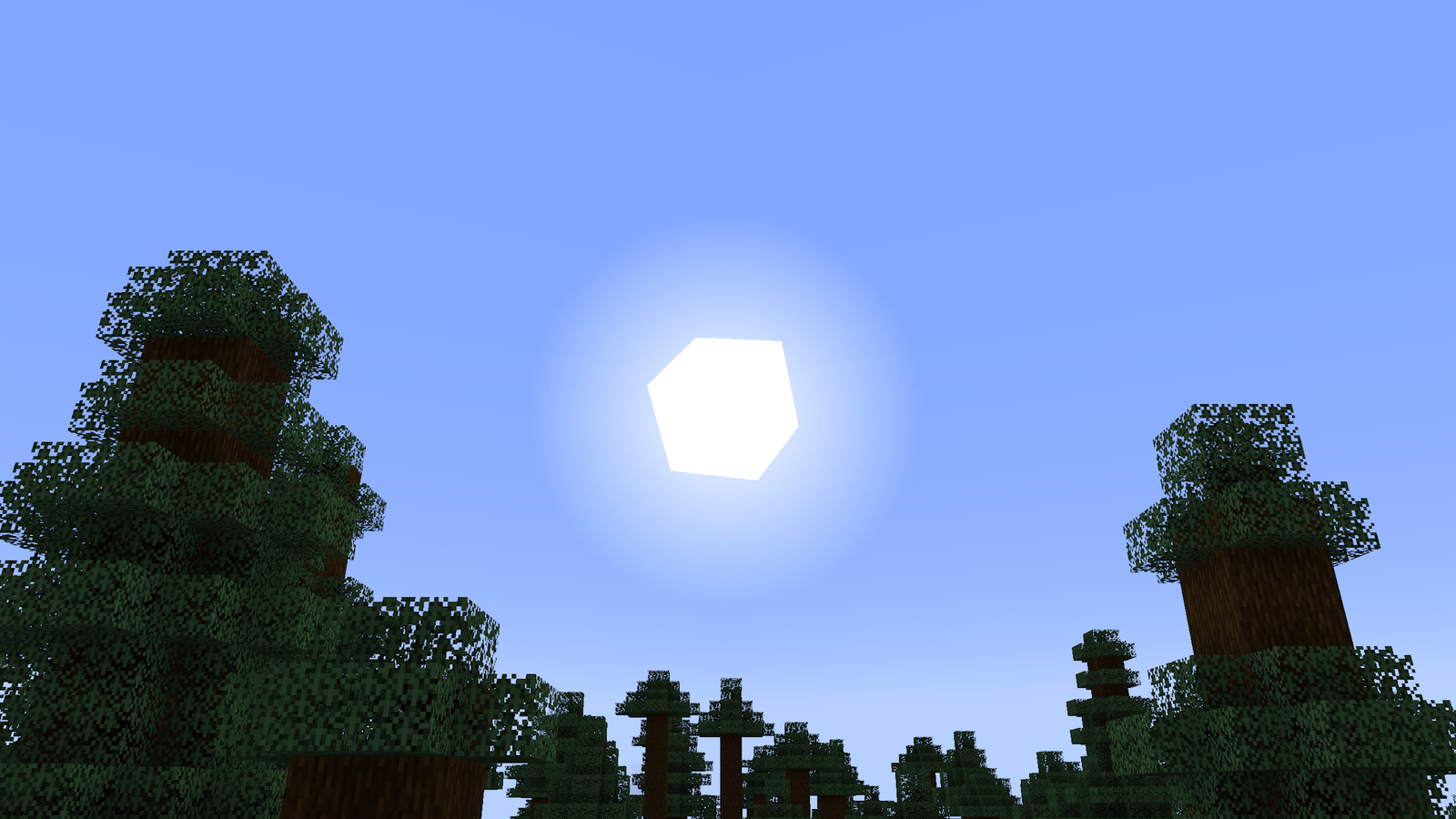
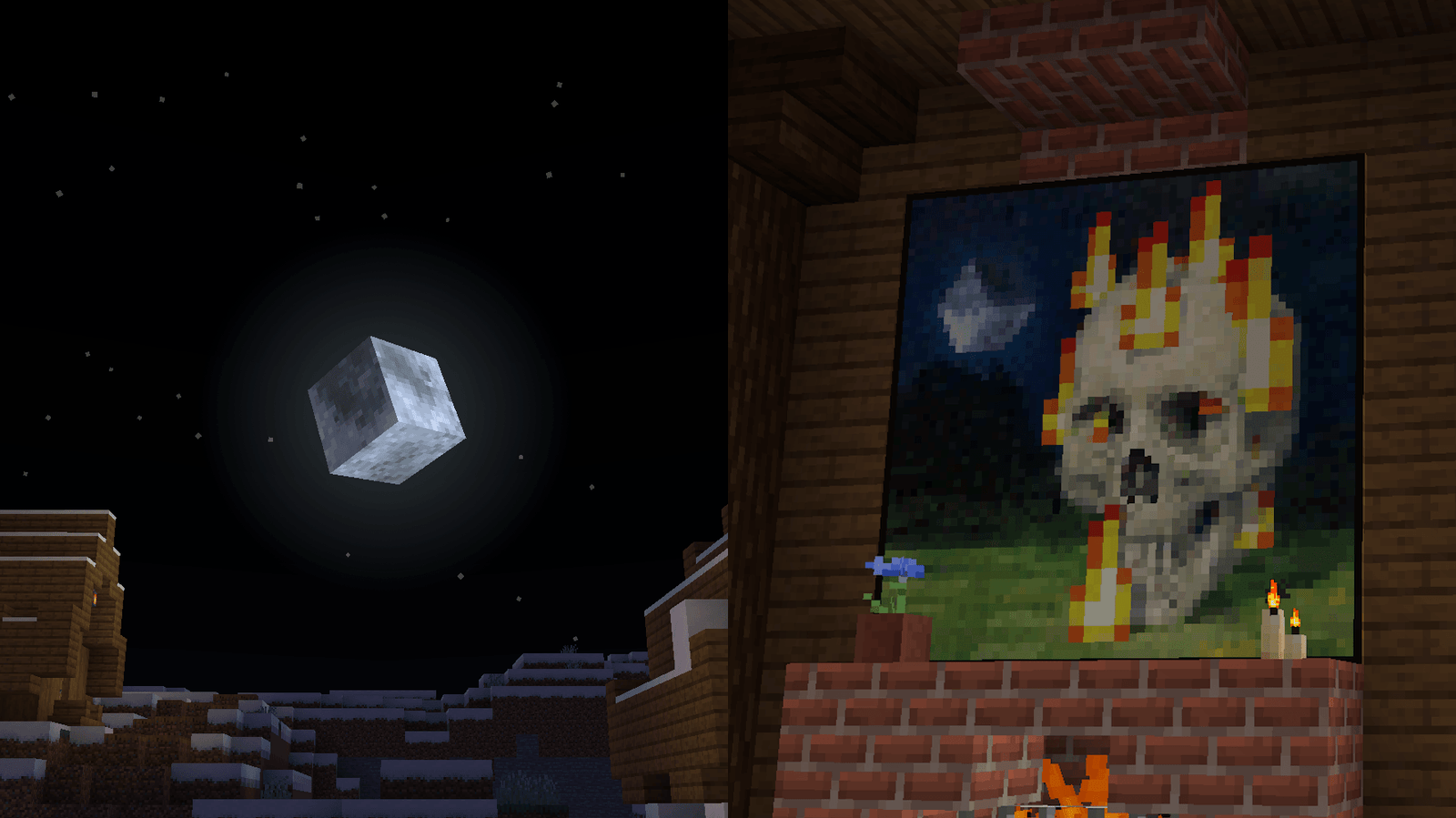
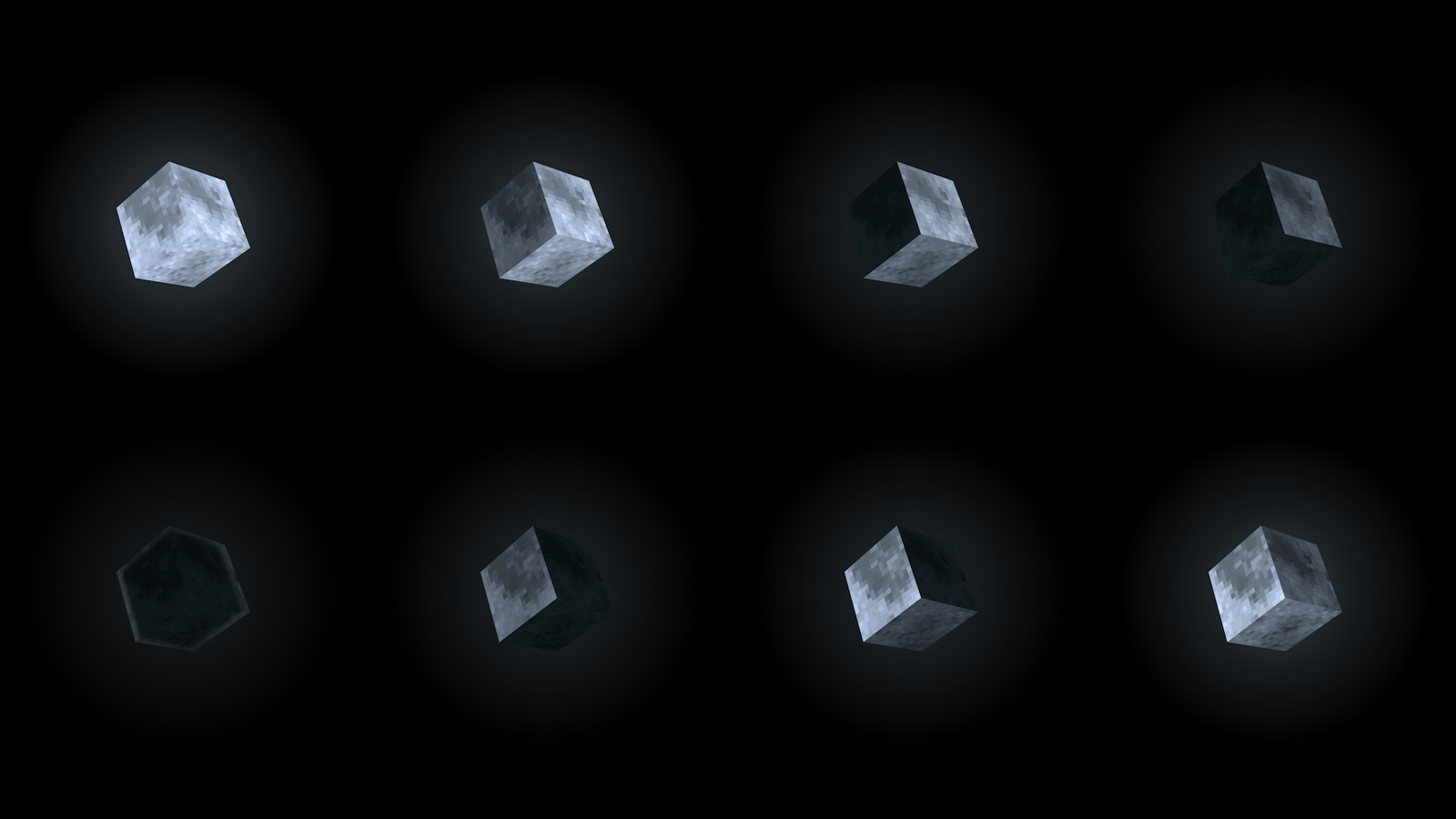
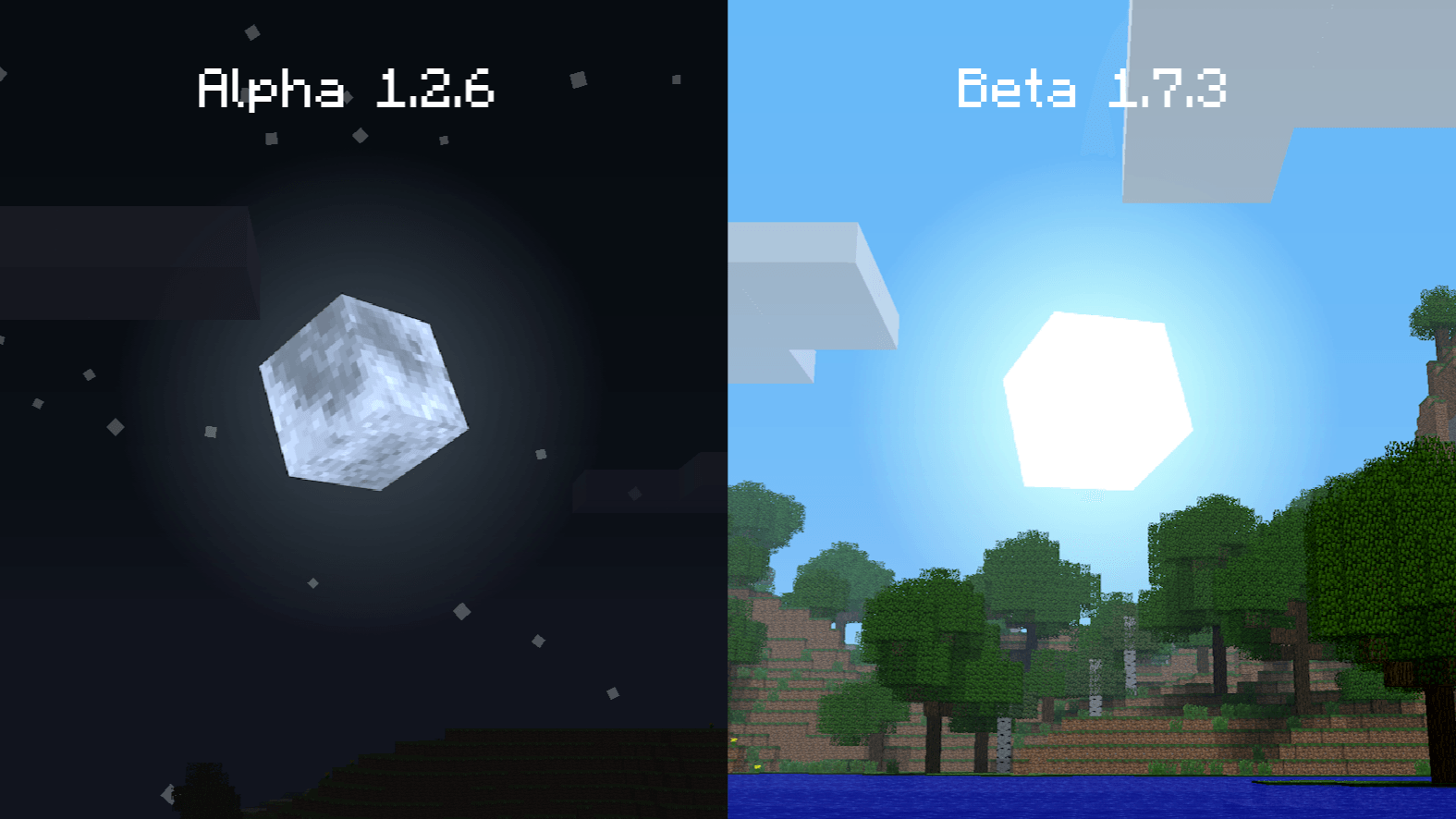
What you get
Why Cubic Sun & Moon?
Distinct celestial look
Gives the sun and moon a clear, cubic silhouette that stands out from vanilla discs without changing other textures.
Minimal performance cost
Replaces only a few sky assets, so most systems will not see a measurable frame rate drop when using this pack.
Easy to combine
Small scope makes it simple to stack with other resource packs, shaders, or mods without complex conflicts.
Consistent phases
Moon phases remain readable thanks to the clean low poly design and straightforward shading choices.
Good mod compatibility
Reported to work alongside popular space mods, and the limited changes reduce the chance of visual clashes.
Vanilla friendly
Retains the default game feel by only altering celestial models, ideal for players who want a subtle tweak.
Downloads
Get Cubic Sun & Moon
The 5 most recent Cubic Sun & Moon builds, direct mirror links, no ad redirects.
Install
How to install Cubic Sun & Moon
Vanilla route
- 1Download the Cubic Sun & Moon zip and keep it closed in your downloads folder.
- 2Open Minecraft, go to Options, then Resource Packs, and click Open Pack Folder.
- 3Move the Cubic Sun & Moon zip into the resourcepacks folder you just opened.
- 4Return to Minecraft resource packs, hover over the pack, and click the arrow to enable it.
- 5Confirm in game that the sun and moon appear cubic during a day night cycle.
Modded route (Vanilla)
- 1Place the Cubic Sun & Moon zip into the resourcepacks folder like a normal pack.
- 2Start Minecraft with Fabric or Forge, depending on your mod loader of choice.
- 3If you use Optifine, enable resource pack features in its settings, it is optional.
- 4Load your modded profile and enable the pack from the Resource Packs menu.
- 5Test with any sky or space mods active to ensure the models render correctly.
◎ Compatibility
✓ Tested and confirmed working on Minecraft 1.5.3
We ran Cubic Sun & Moon on Minecraft 1.5.3 even though the pack was not officially built for this version. Texture packs typically stay compatible across nearby Minecraft releases, and this one runs as expected.
Troubleshooting
Common problems
Pack not showing in menu
Make sure the zip is inside the resourcepacks folder and not inside another subfolder. Restart Minecraft if it still does not appear.
Sun or moon looks flat
Confirm another resource pack is not overriding celestial textures by disabling others, then re-enable Cubic Sun & Moon alone to test.
Shaders distort the model
Try toggling your shader profile or disable the shader briefly to see if the issue persists, some shaders alter sky rendering and can affect models.
Incompatibility with a sky mod
Place Cubic Sun & Moon above or below the mods resource pack in the load order to change which assets win, and test both positions.
FAQ
Frequently asked questions
Which Minecraft versions does this pack support?+
Cubic Sun & Moon has been provided for many historical versions and tends to work across nearby releases. Texture packs generally remain compatible with nearby Minecraft versions even when they were not officially built for that release.
Will this pack affect game performance?+
No significant performance hit is expected since only a few sky textures are replaced. Performance depends on your hardware and any shaders or mods you also use.
Can I use this on Bedrock Edition?+
This pack is packaged for Java resource pack format, so it will not work on Bedrock without conversion. Bedrock uses a different resource structure and tools to convert are separate.
Do I need Optifine to run it?+
Optifine is not required for Cubic Sun & Moon to function, though Optifine is optional and may change how skies render when used with shaders.
Is it safe to run on a multiplayer server?+
Yes, clientside resource packs do not modify server code, so running the pack locally is safe. Servers can offer it as an optional download without direct risk.
What should I do if the moon phases look wrong?+
Disable other resource packs to check for conflicts and ensure the pack is loaded in the correct order. If issues persist, test in a fresh profile to rule out mods.
Ready to install?