Texture pack review
Cubic Leaves
Cubic Leaves latest build for Minecraft 26.2
Cubic Leaves gives trees a full, bushy look without the massive frame drops usually caused by high-detail foliage packs.
Overview
In-depth
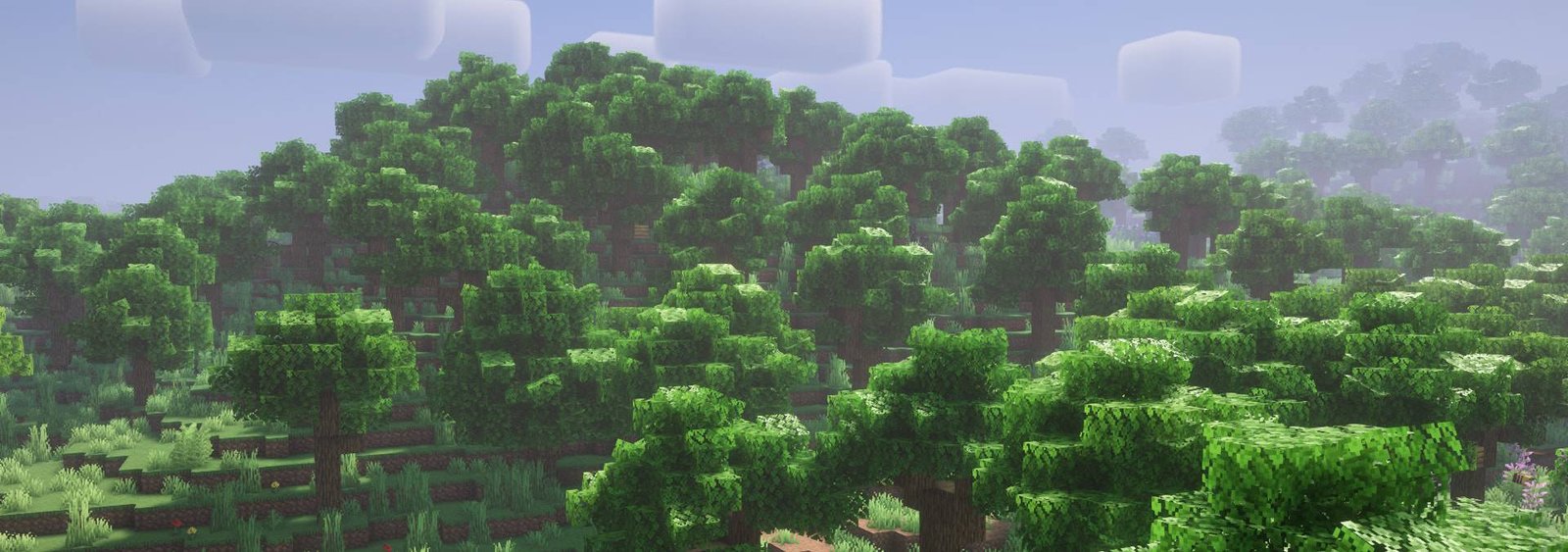
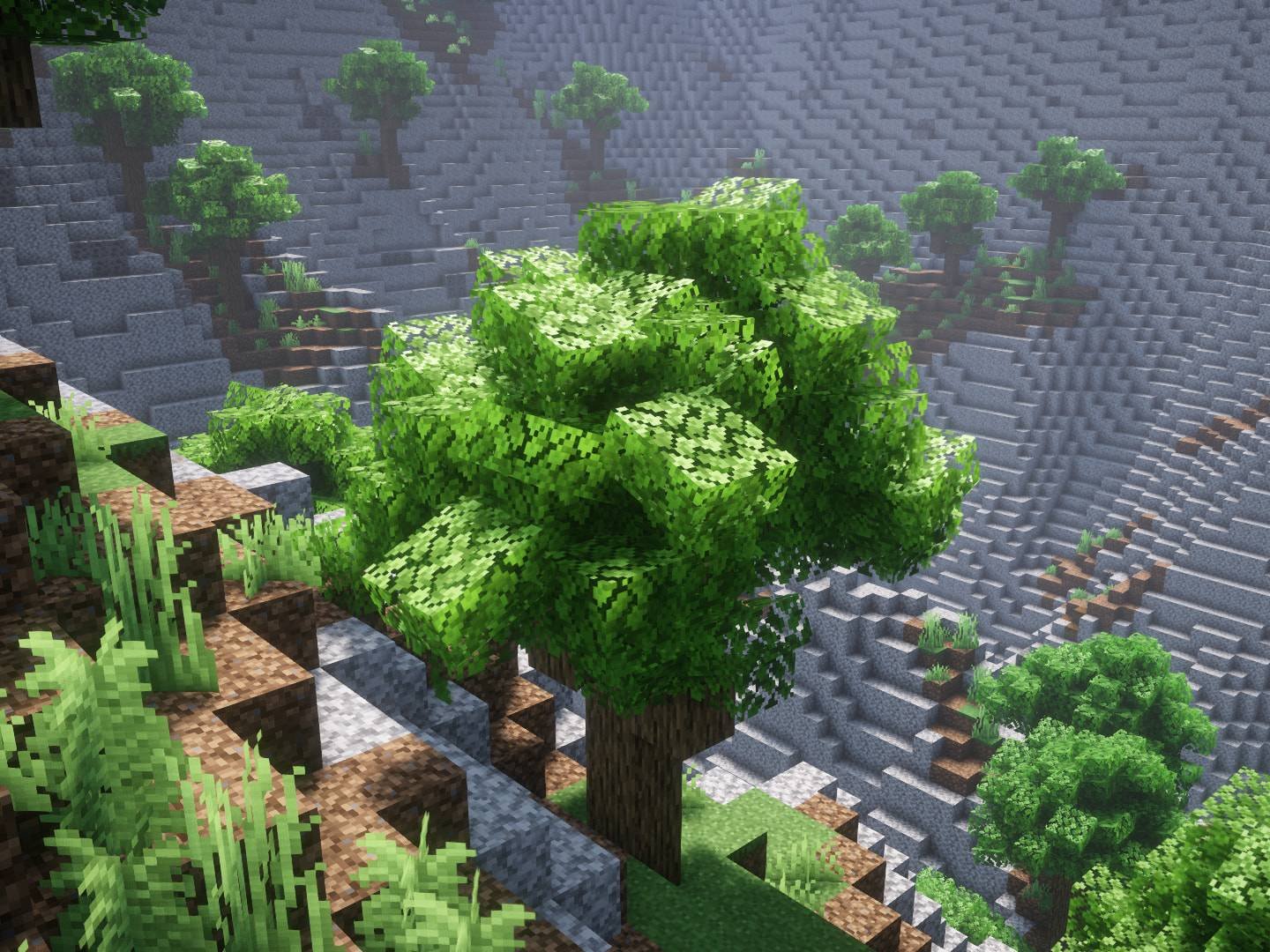
Cubic Leaves recreates foliage with blocky, sculpted shapes that read like dense bushes rather than thin, translucent sprites. The pack name is literal, as leaves take on cubic forms that catch light differently and read clearly at a distance. That makes forests feel fuller without changing block colors much, which is useful when you want a richer treescape but still want to keep Minecrafts familiar palette.
The texture work here stays close to vanilla, expanding on it instead of replacing it. Small surface details and softened shadows give leaves more presence, and the result is a consistent look across tree types. Performance notes included by the author suggest this approach is intended to limit strain that often comes with high resolution packs, so you get density without the usual hit to frame rate.
Because Cubic Leaves is focused on foliage alone, it integrates easily with broader vanilla style packs and shader setups. That makes it a practical option for players who want a single concentrated change to their world, rather than swapping a full overhaul. You can pair it with other resource packs from our collection; browse all texture packs here to find compatible styles.
Installation is straightforward for standard Minecraft clients, and the pack has been distributed for many versions. Many players report it works across nearby Minecraft releases even when it was not built specifically for that numbered release. If you use mods or shader frameworks, check the compatibility notes below and the category page for similar vanilla-plus options to combine with Cubic Leaves.
What to expect
Expect denser, three dimensional looking foliage that remains faithful to vanilla. The pack does not overhaul terrain, items, or UI, so your exploration and building aesthetics remain recognizable while treelines and forest interiors gain more volume. For more vanilla-plus stone, wood, and complementary texture packs, see the vanilla-plus collection for suitable matches.
Gallery
Screenshots
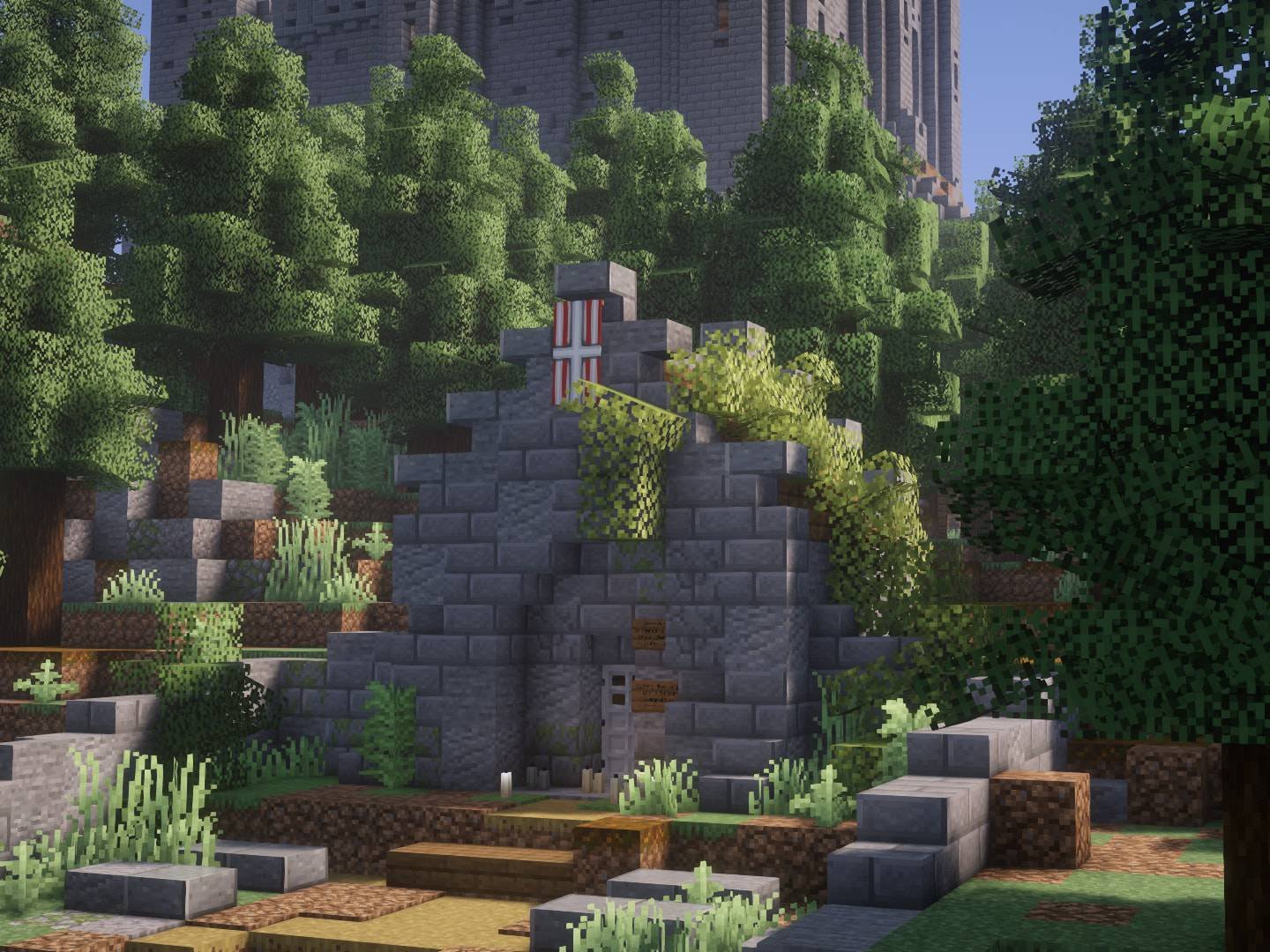
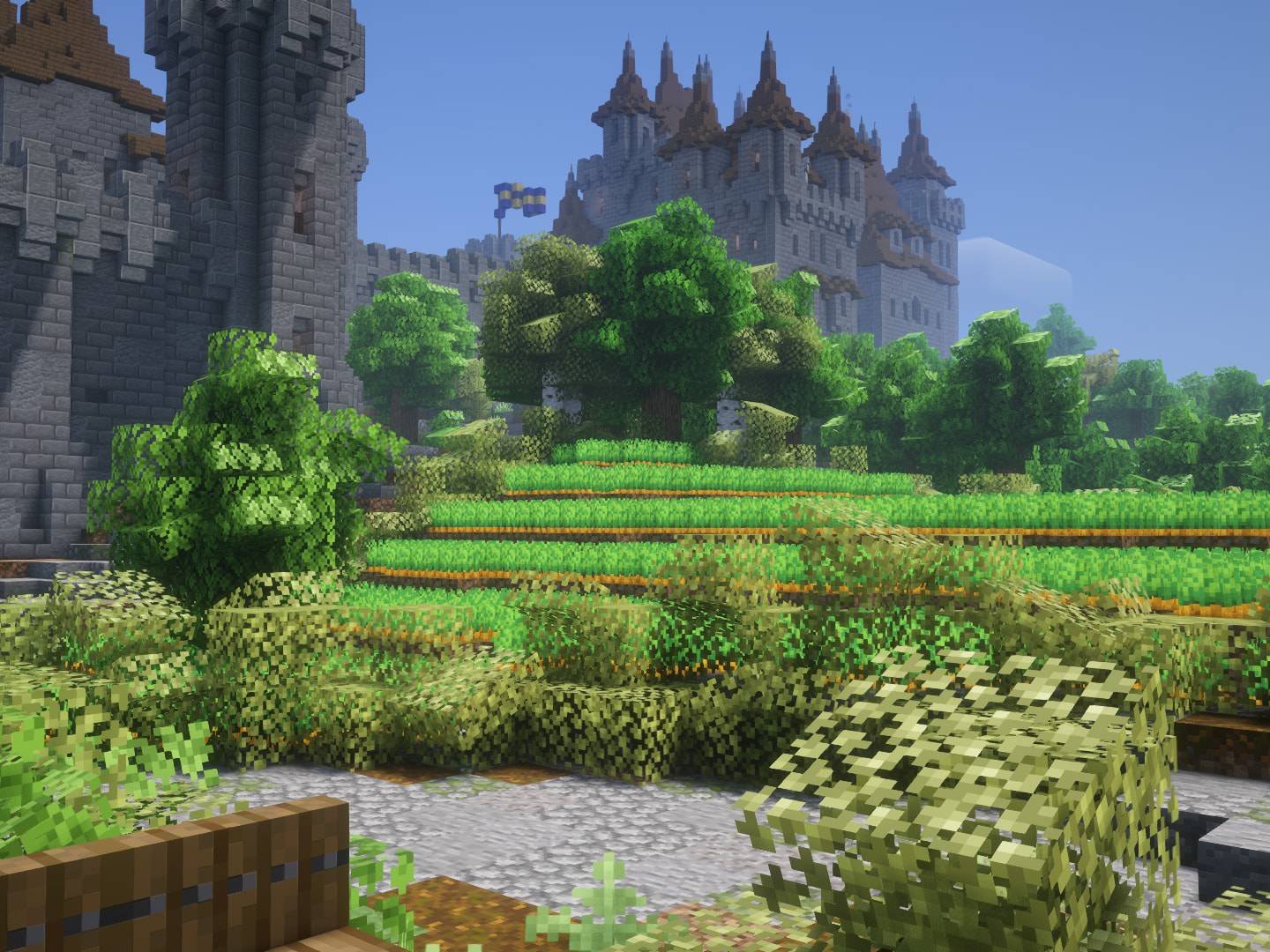
Cubic Leaves in game, captured across biomes and lighting conditions.
What you get
Why Cubic Leaves?
Denser Forests
Leaves are modeled to appear fuller, which makes forests and hedgerows feel less sparse while keeping block shapes readable.
Vanilla Friendly
Design choices stay close to vanilla textures, so the pack mixes well with other default style assets and keeps the original color palette.
Low Overhead
Foliage detail focuses on form rather than ultra high resolution textures, which can limit the performance impact on mid range PCs.
Focused Scope
Since only leaves are changed, you can combine this pack with full resource packs or shaders without major visual clashes.
Consistent Look
Different tree types receive matching treatment, creating a cohesive treescape across biomes and builds.
Easy to Test
The pack is small and quick to enable, so you can toggle it on and off to compare results during builds or exploration.
Downloads
Get Cubic Leaves
The 10 most recent Cubic Leaves builds, direct mirror links, no ad redirects.
Install
How to install Cubic Leaves
Vanilla route
- 1Download the Cubic Leaves zip and do not extract it from the archive.
- 2Open Minecraft, go to Options then Resource Packs and click Open Pack Folder.
- 3Move the downloaded zip into the resourcepacks folder that opened.
- 4Return to Minecraft, hover over Cubic Leaves and click the arrow to enable it.
- 5Restart Minecraft if textures do not update immediately and ensure the pack is at the top of the list.
Modded route (Vanilla)
- 1Install Fabric or Forge for your Minecraft version and launch the client once.
- 2Optional: install Optifine compatible with your launcher for extra control over leaves.
- 3Place the Cubic Leaves zip in the resourcepacks folder used by your modded instance.
- 4Enable the pack in game under Options, Resource Packs, then restart the client to ensure compatibility.
◎ Compatibility
✓ Tested and confirmed working on Minecraft 26.2 and 26.1.2
We ran Cubic Leaves on Minecraft 26.2 and 26.1.2 even though the pack was not officially built for these versions. Texture packs typically stay compatible across nearby Minecraft releases, and this one runs as expected.
Troubleshooting
Common problems
Leaves look missing or invisible
Check that the pack is enabled and at the top of the resource pack list, then reload textures with F3 T. If using Optifine, confirm Fast Graphics is disabled so fancy leaves render correctly.
Large framerate drops in forests
Try lowering render distance or enable basic leaves options in Optifine. Also test without shaders to determine if the shader is the main cause.
Artifacts or odd outlines on leaf blocks
Clear Minecrafts resource cache by restarting the game, and confirm you are not running conflicting resource packs that replace the same leaf files.
Pack does not appear for current version
Place the zip in the correct resourcepacks folder for the profile, then check supported versions. Texture packs generally remain compatible with nearby Minecraft versions even when not built for that release.
FAQ
Frequently asked questions
What Minecraft versions does Cubic Leaves support?+
The author lists many versions across recent releases that the pack has been used with. Texture packs generally remain compatible with nearby Minecraft versions even when they were not officially built for that release.
Will this hurt my performance?+
The pack emphasizes form over ultra high resolution detail, which helps keep impact lower than many foliage overhauls. Performance will still vary by system, settings, and whether you use shaders.
Can I use this on Bedrock Edition?+
Cubic Leaves is designed for the Java edition resource pack format, and will not work on Bedrock without conversion tools or a reauthoring process.
Do I need Optifine to use it?+
Optifine is not required to run the pack, but it can provide additional graphics options and smoother leaf rendering. Texture packs generally remain compatible with nearby Minecraft versions even when they were not officially built for that release.
Is it safe to run on a multiplayer server?+
Using resource packs client side is safe and common, and it does not alter server files. Servers may recommend packs, but the risk is limited to cosmetic differences unless the server enforces a resource pack.
What if leaves still look wrong after installing?+
Reload textures with F3 T, restart Minecraft, and verify no other pack is overriding the same leaf assets. If problems persist, test with a clean profile to isolate conflicts.
Ready to install?