Texture pack review
Create Immersive Aircrafts
Create Immersive Aircrafts latest build for Minecraft 26.2
This resource pack redesigns the vehicles and items from the Immersive Aircraft mod to perfectly match the distinct mechanical aesthetic of the Create mod.
Overview
In-depth
Create Immersive Aircrafts gives a focused visual overhaul to the vehicles and items added by the Immersive Aircraft mod, matching them to the mechanical, gear-driven look of the Create mod. The pack replaces textures for cockpits, wings, engines, and instrument panels with a consistent palette of brass, dark steel, and weathered canvas, so aircraft feel like they belong on a giant factory airfield.
The author, nicky__21, keeps the changes narrow and deliberate, concentrating on assets that define the aircraft silhouette and cockpit readouts. That approach means other vanilla and Create textures are left alone, which helps the modded vehicles stand out without altering unrelated blocks. If you want to browse more packs in this category, visit our themed texture packs collection for similar stylistic choices.
Visual updates emphasize readable instrument faces and clearer contrast between moving parts and static plates, which helps when piloting or repairing aircraft. Details such as rivets, ventilation grilles, and exposed tubing are accentuated, giving an industrial personality to each craft. The pack respects the mod's original models, so the changes feel like a natural extension rather than a replacement.
Performance impact is minimal to moderate, because the pack changes many item and entity textures but does not add high resolution or fancy shaders. This makes Create Immersive Aircrafts a straightforward choice for players who want stylistic consistency across Create and Immersive Aircraft without a heavier resource requirement.
Compatibility notes
Create Immersive Aircrafts lists compatibility with several recent Java versions, including 1.21.1 and earlier releases. Many texture packs remain compatible with nearby Minecraft versions even when they were not officially built for that release, but always test in your setup. For downloads and additional packs browse our main texture pack listings.
Gallery
Screenshots
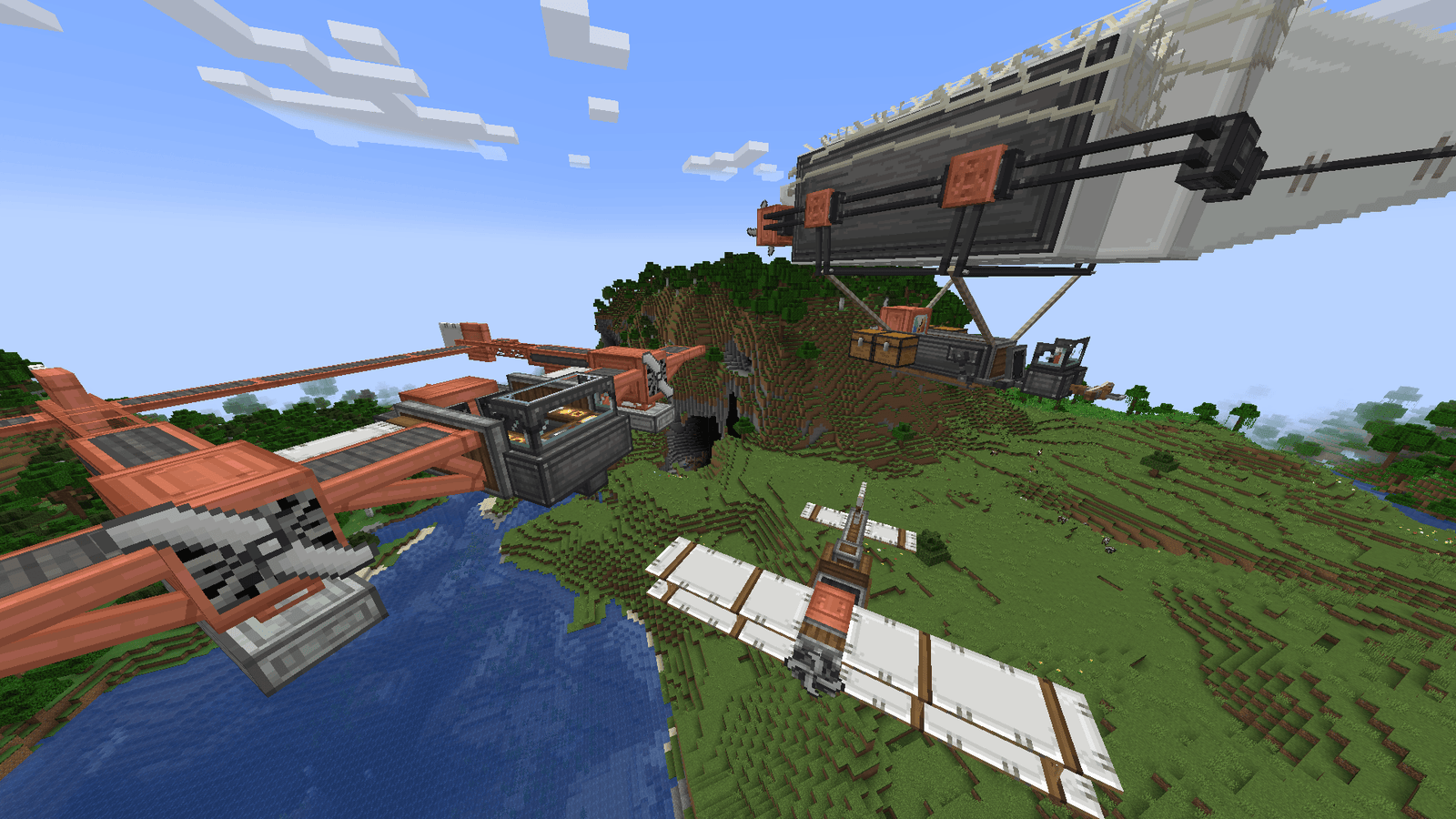
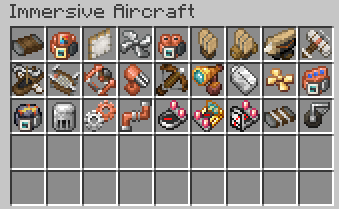
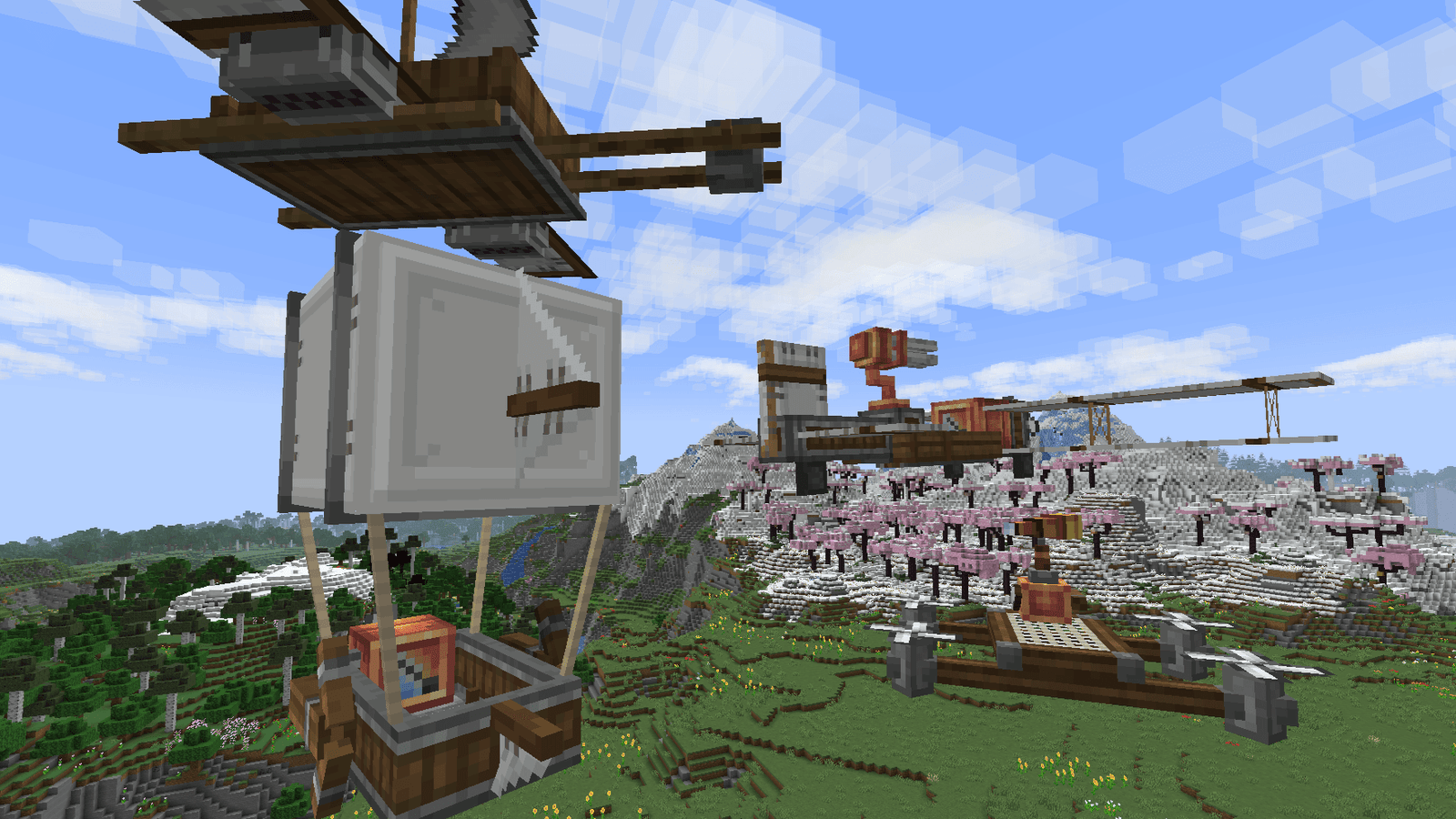
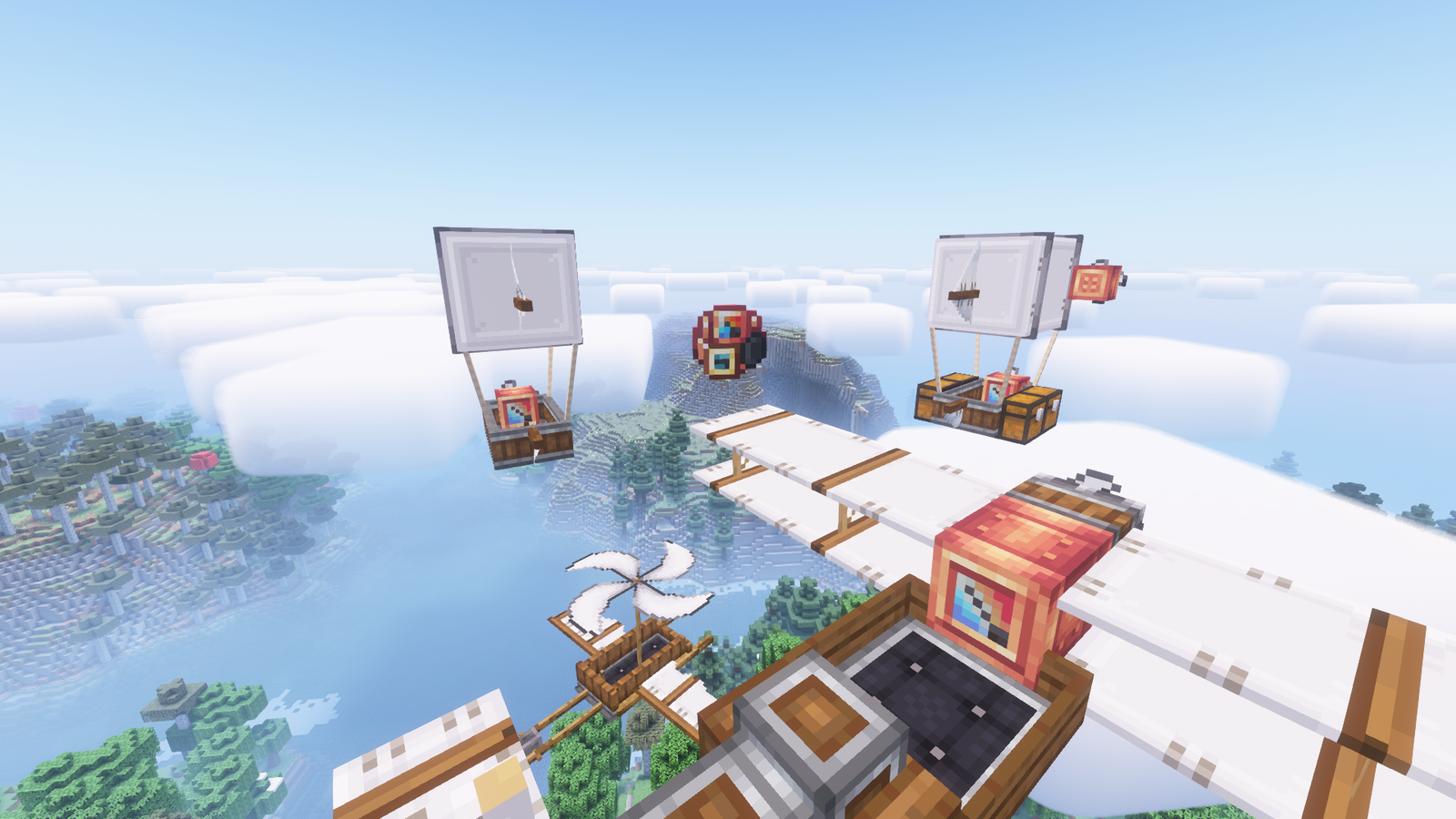
Create Immersive Aircrafts in game, captured across biomes and lighting conditions.
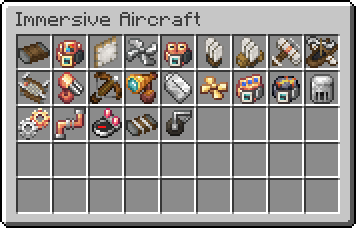
What you get
Why Create Immersive Aircrafts?
Consistent Mechanical Look
Textures align the aircraft with Create aesthetics, producing a unified industrial style across mods without changing models.
Readable Cockpits
Instruments and HUD elements are clarified, making piloting and quick checks easier during flight or maintenance.
Focused Scope
The pack targets only Immersive Aircraft assets, so it avoids unexpected changes to unrelated textures or terrain visuals.
Low Performance Cost
No ultra high resolution art is added, so most systems see little to moderate impact on framerate when enabled.
Complementary Palette
A limited set of brass, steel, and canvas tones creates a coherent workshop and airfield atmosphere for vehicles.
Easy Mod Integration
Designed to work alongside Create, the pack helps combined mod setups look intentional and cohesive.
Downloads
Get Create Immersive Aircrafts
The 10 most recent Create Immersive Aircrafts builds, direct mirror links, no ad redirects.
Install
How to install Create Immersive Aircrafts
Vanilla route
- 1Download the Create Immersive Aircrafts zip from the author or listing page.
- 2Open Minecraft, go to Options, then Resource Packs, then Open Pack Folder.
- 3Move the downloaded zip into the resourcepacks folder and close the folder.
- 4Activate the pack in Resource Packs and restart Minecraft to ensure textures load.
Modded route (Vanilla)
- 1Install Fabric or Forge and place the Immersive Aircraft and Create mods into the mods folder.
- 2Download the Create Immersive Aircrafts pack zip and copy it to the resourcepacks folder.
- 3If using Optifine, install it as an optional mod, then enable it for additional texture options.
- 4Launch Minecraft with Fabric or Forge, enable the pack in Resource Packs, then restart the game.
◎ Compatibility
✓ Tested and confirmed working on Minecraft 26.2 and 26.1.2
We ran Create Immersive Aircrafts on Minecraft 26.2 and 26.1.2 even though the pack was not officially built for these versions. Texture packs typically stay compatible across nearby Minecraft releases, and this one runs as expected.
Troubleshooting
Common problems
Textures not showing for aircraft items
Confirm the pack is in the resourcepacks folder and enabled, then restart Minecraft. Also verify there are no conflicting packs earlier in the priority list.
Cockpit faces blurred or low detail
Try disabling any shader packs or custom font packs that might alter GUI textures, then reload the resource packs from the menu.
Color mismatch with other Create assets
Check for other installed texture packs that affect Create, then lower this pack in the priority order or remove the conflicting pack.
Missing textures after updating mods
Replace the pack with the latest compatible version where available, and test with the targeted Minecraft version. Many texture packs remain compatible with nearby versions even if not updated.
FAQ
Frequently asked questions
Which Minecraft versions does Create Immersive Aircrafts support?+
The pack lists support for several Java versions such as 1.21.1, 1.20.1, 1.19.2, and 1.18.2. Texture packs generally remain compatible with nearby Minecraft versions even when they were not officially built for that release, so testing on adjacent releases often works.
Will this pack affect performance?+
Performance impact is minimal to moderate because textures are not ultra high resolution. Systems with limited VRAM should monitor memory use and disable other heavy packs or shaders as needed.
Can I use this on Bedrock Edition?+
This pack is made for Java Edition resource packs and may not be directly usable on Bedrock. Converting between editions requires additional tools and manual edits to asset structure.
Do I need Optifine to run the pack?+
Optifine is not required for the textures to work, though it is mentioned as an optional enhancement for modded setups to improve performance or add advanced texture features.
Is it safe to use on servers?+
Using the pack client side does not alter server behavior and is usually safe. Server resource packs that are required can force different assets, so check server settings before joining.
Textures look broken after a mod update, what should I do?+
Reload resource packs and confirm pack compatibility with the mod version. Many texture packs remain compatible with nearby Minecraft versions even when not updated, but you may need to wait for an updated release if assets were renamed.
Ready to install?