Texture pack review
Connected Paths
Connected Paths 16x, latest build for Minecraft 26.1
Connected Paths creates smooth visual transitions between path-like blocks, supporting vanilla Minecraft and various popular mods like Biomes O' Plenty and Cobblemon.
Overview
In-depth
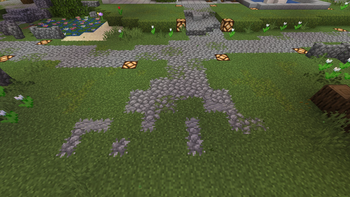
Connected Paths is a 16x vanilla-plus texture pack that softens the edges between path-like blocks, producing continuous walkways without changing the core Minecraft aesthetic. The pack focuses on subtle tiling and transition textures that make roads, trails, and similar surfaces read as single connected surfaces rather than disconnected tiles. That makes small villages and large builds both easier to navigate visually, especially in builds that use a mix of grass path, gravel, dirt, and mod-supplied pathways. The author, Jacosvaldo, keeps the style close to stock while adding just enough cohesion to feel intentional.
The pack works with unmodded Minecraft and also includes support for several popular mods that introduce new path materials. You can see more texture packs that take the vanilla look in different directions at our main browse page, where related packs live side by side. The Connected Paths approach reduces visual noise on floors and trails, helping details like decorative edging, lamps, or fences stand out without fighting with block seams.
Installation is straightforward for vanilla players, and the pack does not require shaders or high resolutions to show its benefits. Players running modded setups should check compatibility notes, since the author mentions support for a handful of mods that add path variants. For people who favor performance, this 16x texture set keeps frame rates high while delivering a neater surface appearance. The pack uses a vanilla-friendly palette and preserves the original block identity, so terrain still reads as familiar Minecraft but with improved continuity.
Who should try this pack
Connected Paths is a good fit for builders who care about clean roads and smooth transitions without leaving the vanilla look. It is also handy on servers where players share different building styles, because the consistent path rules reduce visual friction across biomes and mod content. Visit the vanilla-plus category to find similar packs that blend small enhancements with Minecraft correcteness.
Gallery
Screenshots
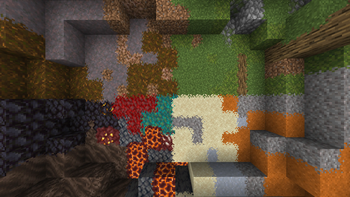
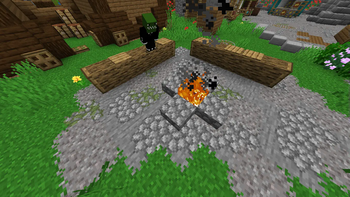
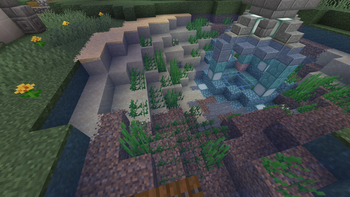
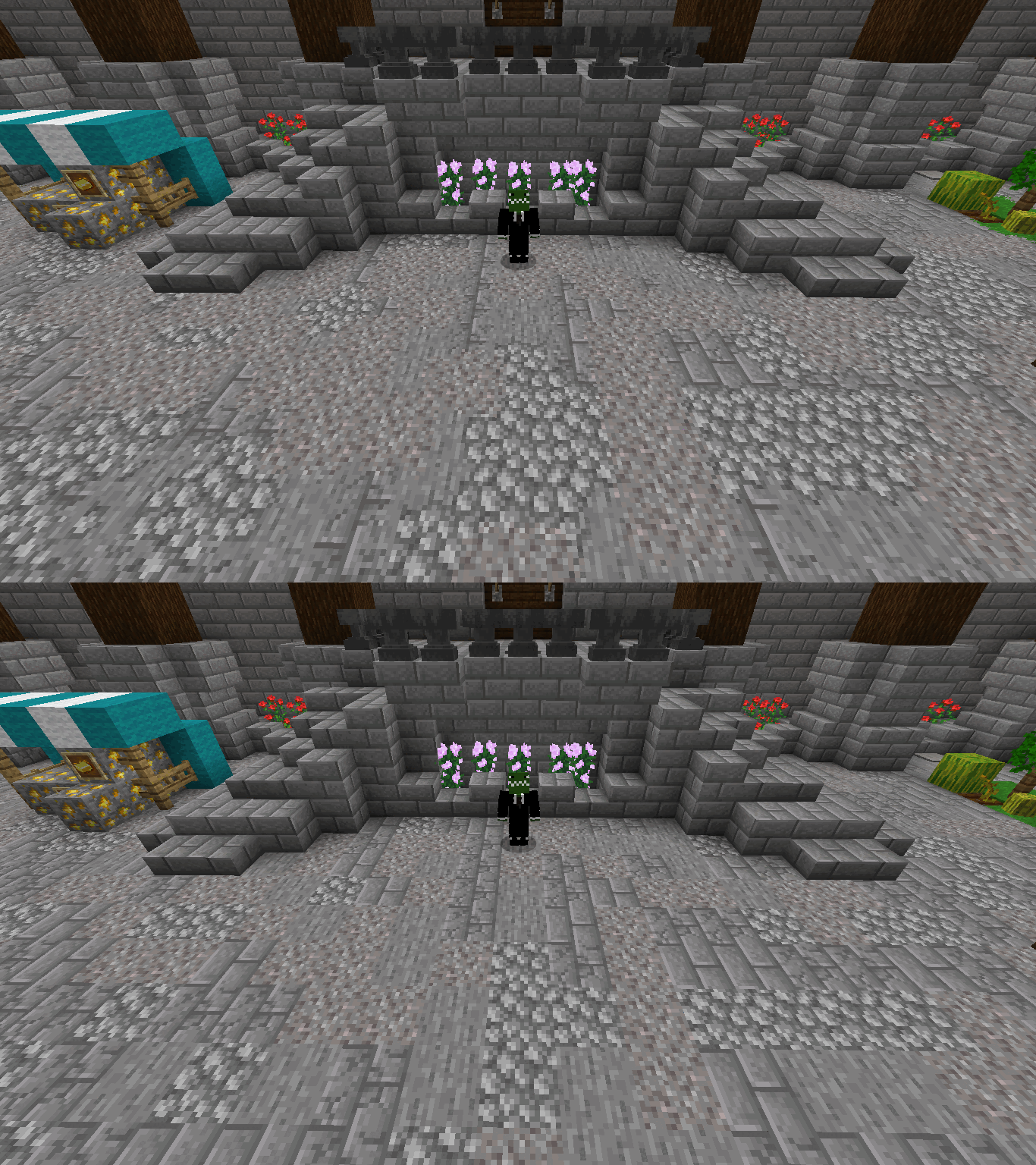
Connected Paths in game, captured across biomes and lighting conditions.
What you get
Why Connected Paths?
Cleaner Road Visuals
Reduces visible seams between path tiles so roads and trails appear continuous and intentional.
Vanilla Friendly
Maintains the original Minecraft palette and block identity, making it easy to switch back to stock visuals.
Low Performance Cost
16x resolution keeps resource use minimal, suitable for players on modest hardware or crowded servers.
Mod Path Support
Includes textures that align with several popular mods, so modded path blocks blend with vanilla transitions.
Build Focused
Helps decorative elements and edging stand out by removing distracting floor seams and mismatched corners.
Simple Aesthetic
Adds cohesion without altering the block art style, preserving Minecraft familiarity for most players.
Downloads
Get Connected Paths
The 10 most recent Connected Paths builds, direct mirror links, no ad redirects.
Install
How to install Connected Paths
Vanilla route
- 1Download the Connected Paths zip from the pack page on your browser.
- 2Open Minecraft, select Options, then Resource Packs and click Open Pack Folder.
- 3Move the downloaded zip into the resourcepacks folder and return to Minecraft.
- 4Enable Connected Paths from the Available list and move it to the top if needed.
- 5Reload the resource packs or restart Minecraft to ensure all textures load.
Modded route (Minecraft Vanilla)
- 1Install Fabric or Forge and launch Minecraft once to create the mods and resource folders.
- 2Place the Connected Paths zip in the resourcepacks folder like a vanilla pack.
- 3Add any compatible mod resource packs or patches required by the pack into resourcepacks.
- 4Start Minecraft with Fabric or Forge, and enable Connected Paths in Options, Resource Packs.
- 5Optifine may be used as an alternative for additional texture control, but it is optional.
◎ Compatibility
✓ Tested and confirmed working on Minecraft 26.1
We ran Connected Paths on Minecraft 26.1 even though the pack was not officially built for this version. Texture packs typically stay compatible across nearby Minecraft releases, and this one runs as expected.
Troubleshooting
Common problems
Path edges still look jagged
Make sure the pack is enabled and at the top of your active resource packs list, then reload resources or restart Minecraft.
Mod path textures missing
Confirm you have the matching mod installed and that the pack version lists support for that mod, or look for a separate compatibility patch from the author.
Visual glitches after updating game
Disable the pack, restart Minecraft, then reenable it; if issues persist, wait for an updated pack or try using a nearby compatible version of Minecraft.
Pack not appearing in Resource Packs
Ensure the zip is directly inside the resourcepacks folder, not inside an extra folder, and check that the file name and extension are intact.
FAQ
Frequently asked questions
Which Minecraft versions does Connected Paths support?+
The pack lists compatibility across many versions including older and recent ones. Texture packs generally remain compatible with nearby Minecraft versions even when they were not officially built for that release, but always test in your setup before relying on it for an important world.
Will this pack affect my frame rate?+
At 16x resolution the performance impact is minimal for most systems, and you should see little to no FPS drop compared with vanilla.
Can I use Connected Paths on Bedrock Edition?+
This pack targets Java resource packs, and Bedrock uses a different format, so it will not work natively on Bedrock without conversion tools.
Do I need Optifine to run this pack?+
Optifine is not required for Connected Paths, though some players use Optifine for extra texture and performance settings; the pack works fine without it.
Is it safe to use on multiplayer servers?+
Using a client-side resource pack like Connected Paths is generally safe on servers, but some servers require specific packs or ban custom textures, so check the server rules first.
Textures look wrong after updating mods or game+
Try reloading resource packs and restarting Minecraft. Texture packs often still work across nearby versions, but if a mod changes block IDs or naming, wait for a compatibility update or seek a community patch.
Ready to install?