Texture pack review
Boss Refreshed
Boss Refreshed latest build for Minecraft 1.19.3
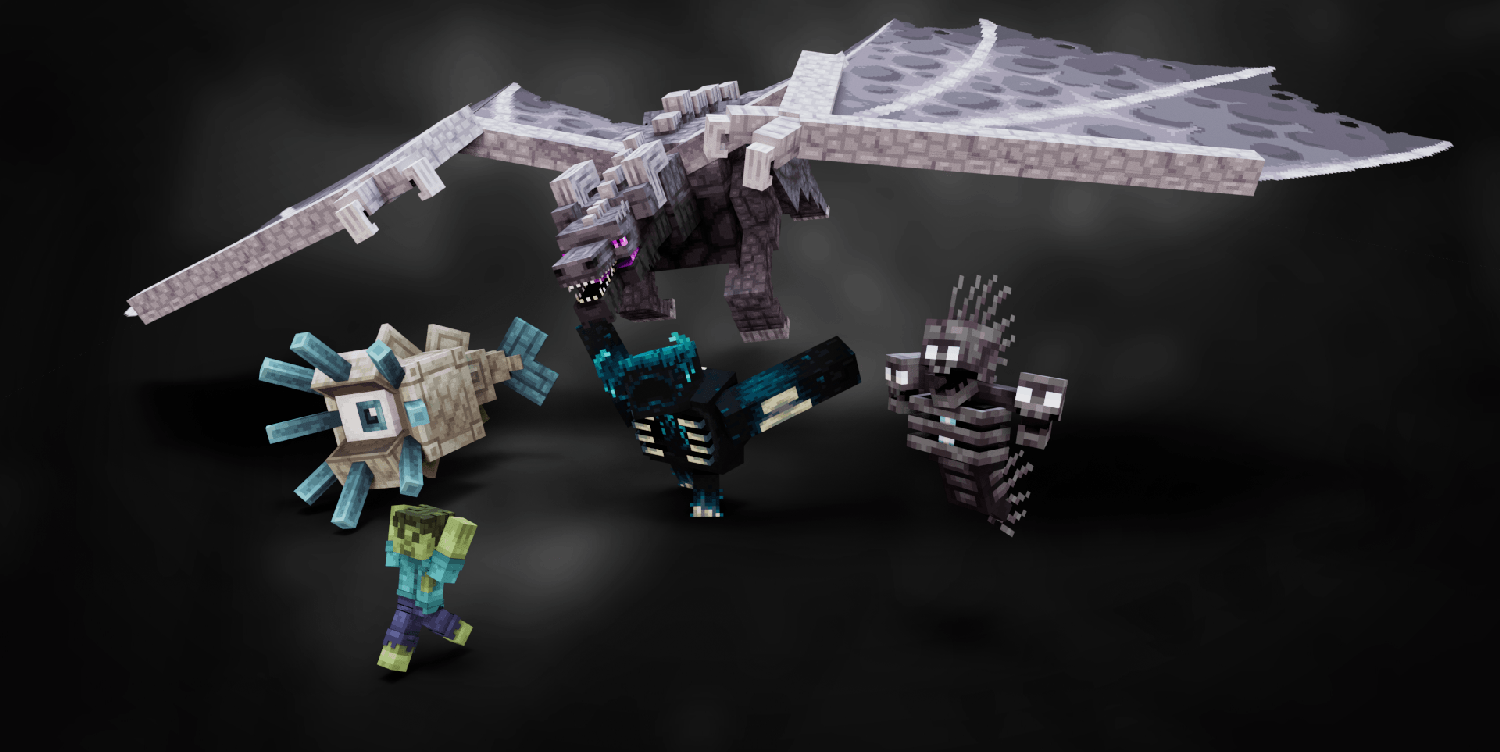
Boss Refreshed completely overhauls the models for boss mobs to make them look more dangerous and detailed than the standard blocks.
Overview
In-depth
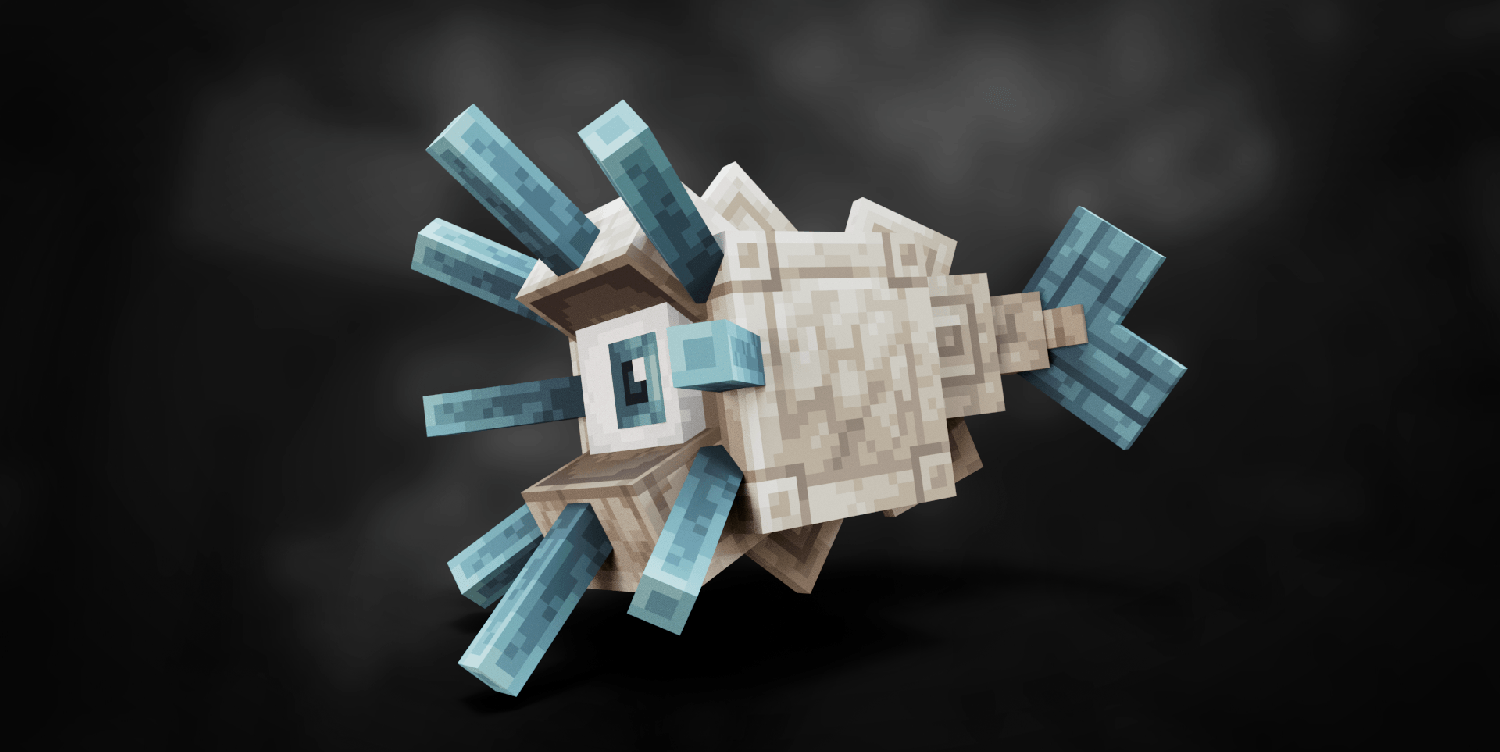
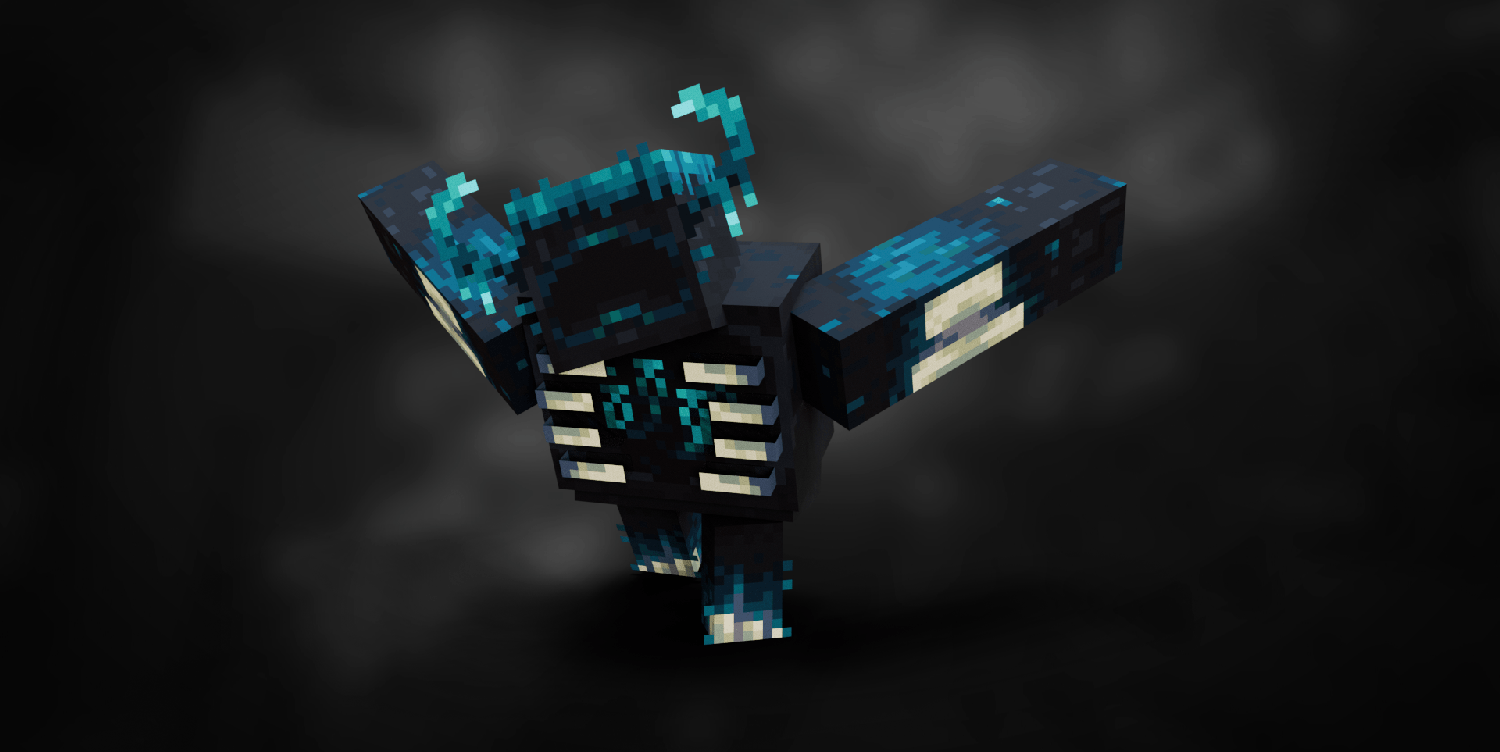
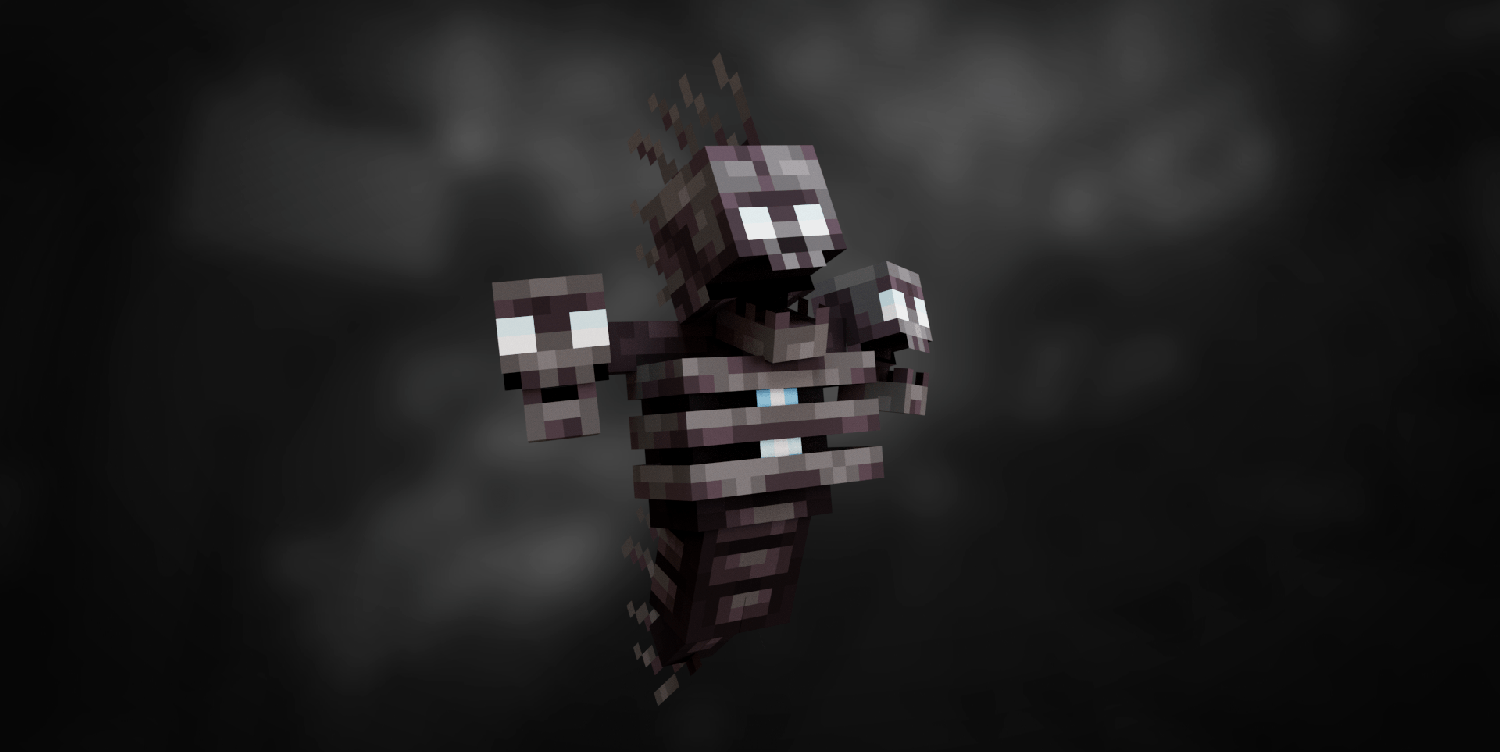
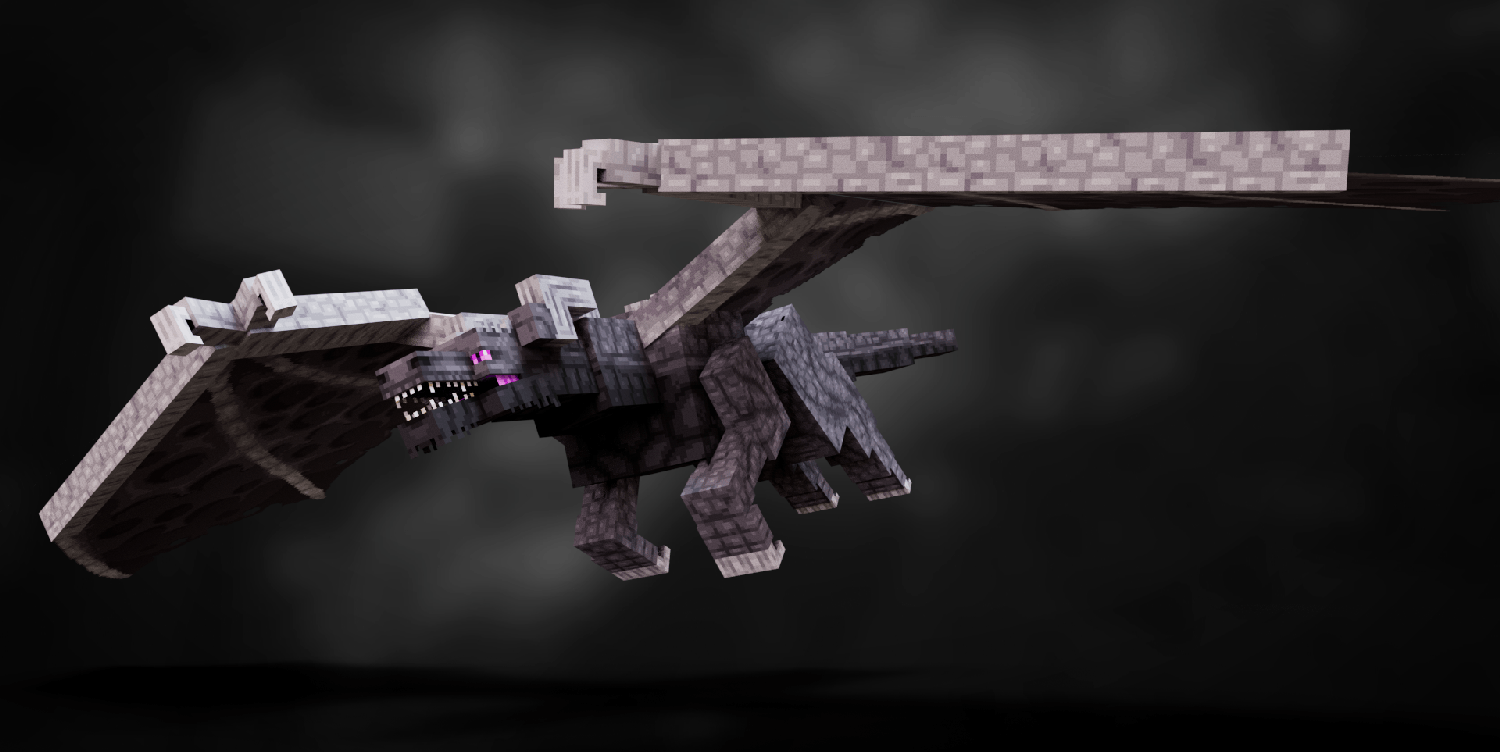
Boss Refreshed reimagines Minecraft boss mobs with bolder proportions, sharper details, and a darker aesthetic that aims to make boss encounters feel more intense. The pack focuses on model overhauls and texture adjustments, rather than a full world retexture, so it works alongside many standard packs and shaders without replacing terrain or item art. You will notice altered silhouettes and added shading on the Wither, Ender Dragon, and other boss entities, which changes how they read from a distance and during combat.
The author, lukidon, concentrates on visual clarity. Larger hitbox cues and more distinct features help make attacks and movement easier to parse during hectic fights. Because the pack modifies mob models, there can be subtle changes to animation timing and how light interacts with surfaces, which some players may prefer for cinematic boss battles. Find more packs to pair with Boss Refreshed on our main texture pack browse page for complementary options.
Installation is straightforward for vanilla players and compatible with common mod loaders for those using Fabric or Forge. The pack lists several supported versions across the 1.19 and 1.21 families, and it tends to function across nearby releases as is common with texture packs. If you run into graphical glitches, consult the troubleshooting steps below, because most issues stem from version mismatches or resource pack order. For themed collections, browse themed packs in our category to see other stylistically aligned options.
What to expect
Expect a focused experience: Boss Refreshed does not overhaul blocks, UI, or items, it hones in on boss aesthetics. That makes it a lightweight choice for players who want more dramatic encounters without changing the overall game look. Consider pairing it with a neutral terrain pack or a performance friendly option if you prefer consistent visuals across environments.
Gallery
Screenshots
Boss Refreshed in game, captured across biomes and lighting conditions.
What you get
Why Boss Refreshed?
Clearer boss silhouettes
Boss Refreshed sharpens proportions and outlines, making boss movements easier to read during combat situations.
More menacing visuals
Themed model and texture tweaks give bosses a darker, more threatening appearance without altering world textures.
Lightweight focus
Because it only modifies boss models, the pack stays compact and pairs well with other texture packs or shaders.
Compatible across versions
The pack lists many versions in the 1.19 and 1.21 families, and it typically works on nearby releases with minimal fuss.
Easy to combine
Noninvasive changes mean you can mix Boss Refreshed with terrain or UI packs without major visual conflicts.
Combat readability
Enhanced shading and contrast help players track bosses during hectic fights, which can improve reaction timing.
Downloads
Get Boss Refreshed
The 5 most recent Boss Refreshed builds, direct mirror links, no ad redirects.
Install
How to install Boss Refreshed
Vanilla route
- 1Download the Boss Refreshed zip and place it in your resourcepacks folder
- 2Open Minecraft, go to Options, then Resource Packs, and enable the pack
- 3Drag Boss Refreshed to the top of the active list to prioritize its assets
- 4Restart Minecraft if models or textures do not load immediately
Modded route (Vanilla)
- 1Install Fabric or Forge and run Minecraft once to create necessary folders, Optifine optional
- 2Place the Boss Refreshed zip into the resourcepacks folder for that instance
- 3Use Mod Menu or your launcher to select the correct profile and enable the pack in game
- 4If using shaders or Optifine, adjust settings to ensure custom models render properly
- 5Restart the game or the modded instance to finalize model and texture loading
◎ Compatibility
✓ Tested and confirmed working on Minecraft 1.19.3
We ran Boss Refreshed on Minecraft 1.19.3 even though the pack was not officially built for this version. Texture packs typically stay compatible across nearby Minecraft releases, and this one runs as expected.
Troubleshooting
Common problems
Boss models flicker or disappear
Ensure the pack is enabled and at the top of your resource pack list, and restart Minecraft to reload models.
Animations look off after update
Check that you are running a supported or nearby Minecraft version, and try toggling Optifine or model related settings.
Texture clipping against shaders
Lower shader settings for entity outlines or disable incompatible shader features, then relaunch Minecraft.
Conflicts with other mob packs
Place Boss Refreshed above other mob related packs in the resource pack order or remove overlapping packs.
FAQ
Frequently asked questions
Which Minecraft versions does Boss Refreshed support?+
The pack lists support for many 1.19 and 1.21 family versions, so use one of those when possible. Texture packs generally remain compatible with nearby Minecraft versions even when they were not officially built for that release.
Will Boss Refreshed affect game performance?+
Because it focuses on models and a limited set of textures, performance impact is usually small, but custom models can increase CPU or GPU load during large fights.
Can I use this on Bedrock Edition?+
This pack is designed for Java edition asset structure, so it will not natively work on Bedrock without conversion.
Do I need Optifine to use Boss Refreshed?+
Optifine is not required, but it can improve model rendering and performance; the pack also works with Fabric or Forge for modded setups.
Is there any risk using this pack on a multiplayer server?+
Using a client side texture pack like Boss Refreshed is safe on most servers, though some servers enforce resource packs or block custom models for fairness.
What should I do if a boss looks broken after installing?+
Try moving the pack to the top of your resource pack list, restart Minecraft, and disable other mob packs that might conflict.
Ready to install?