Texture pack review
Beautiful Enchanted Books
Beautiful Enchanted Books latest build for Minecraft 1.21.10
Beautiful Enchanted Books adds unique, thematic textures to every enchanted book, making it easy to identify specific spells and compatibility with over 80 popular mods.
Overview
In-depth
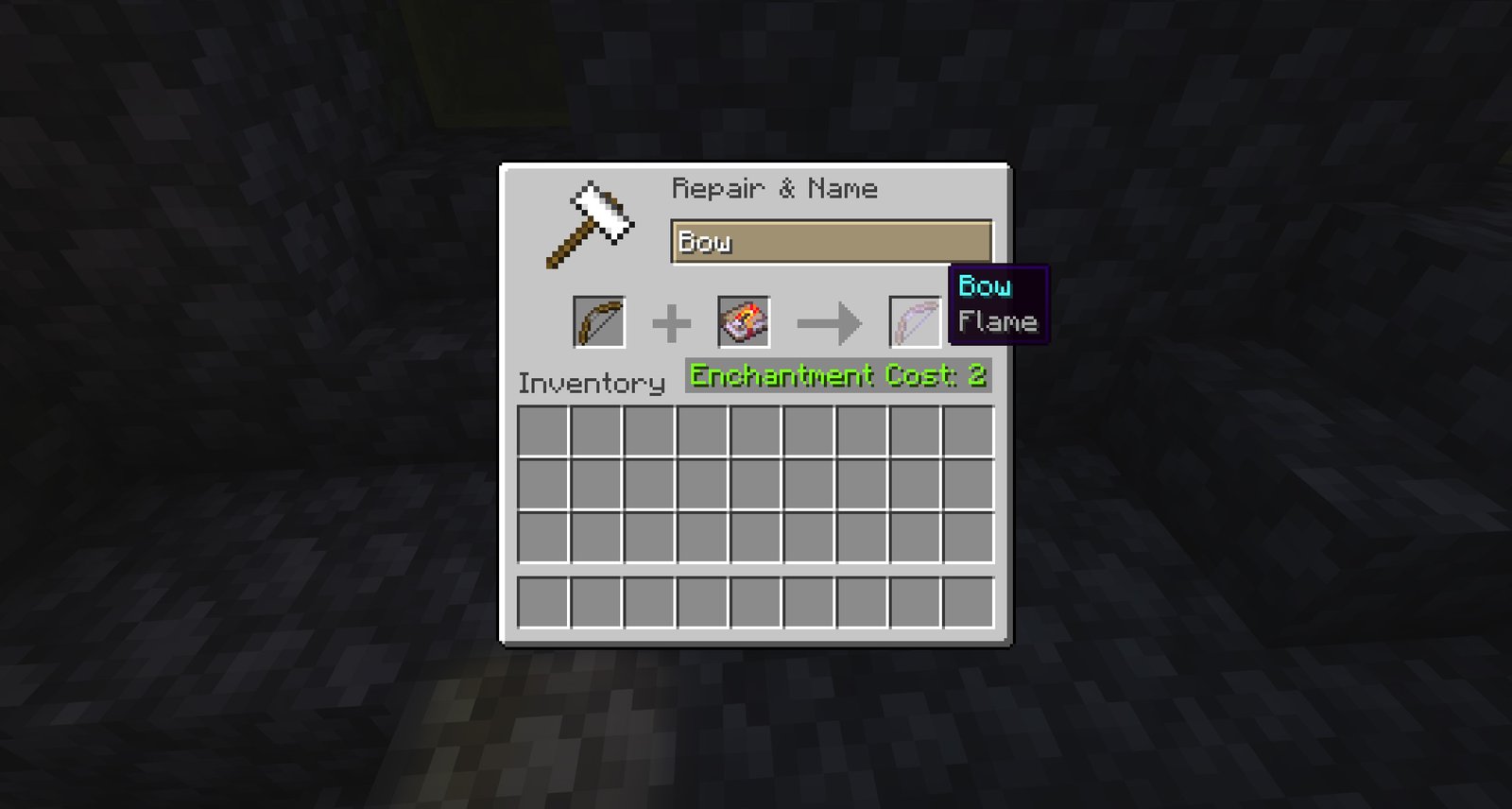
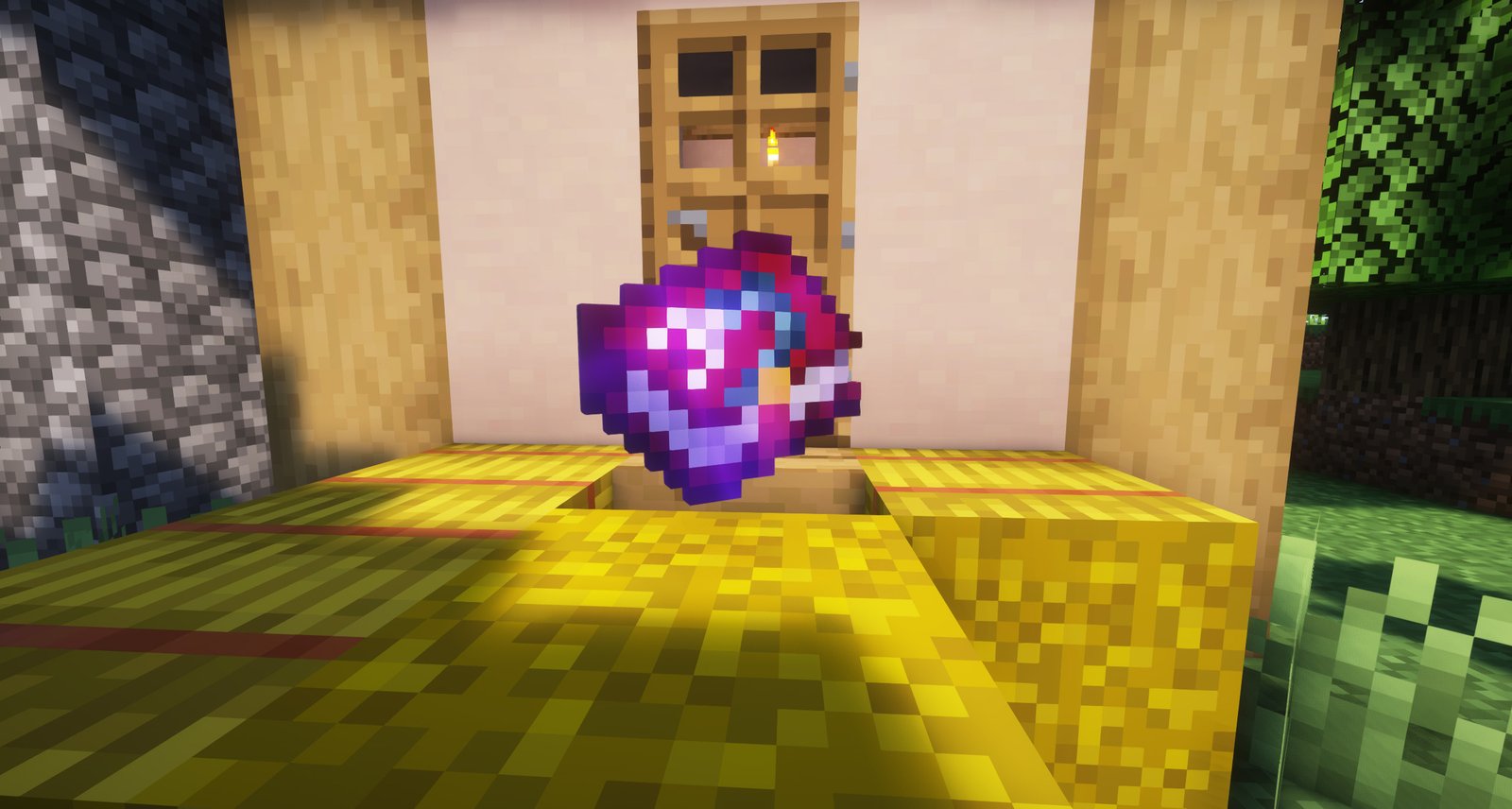
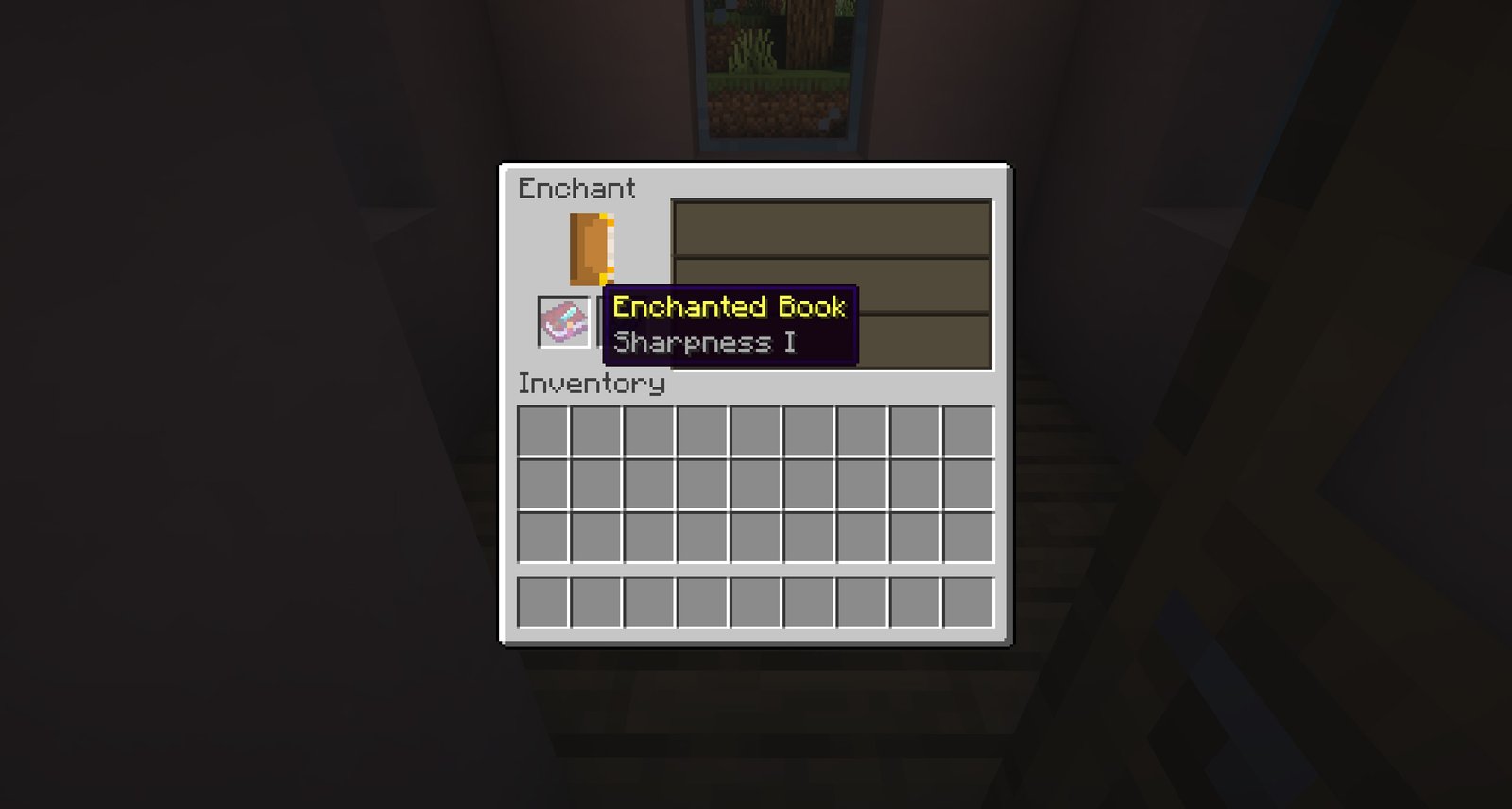
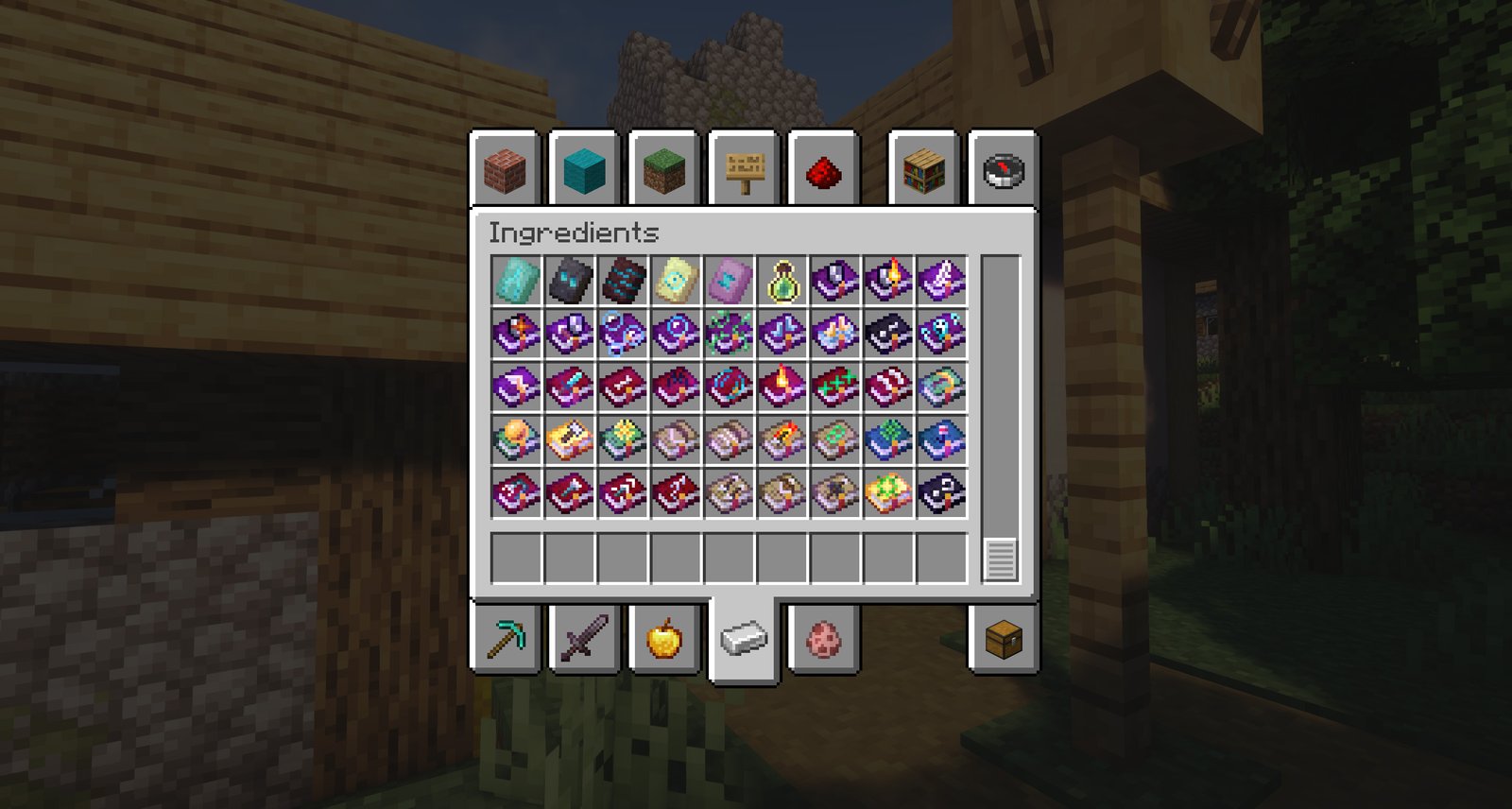
Beautiful Enchanted Books is a themed texture pack that reimagines every enchanted book in your inventory, assigning unique artwork so each enchantment is easier to spot at a glance. The pack focuses on clarity and personality, turning the plain book icon into a small, readable badge for common enchantments. That makes sorting, trading, and managing enchantments less tedious, especially during long play sessions.
Textures are hand designed with consistent color palettes and iconography, which helps them sit comfortably alongside many other packs without clashing. The author notes compatibility with a large list of Minecraft versions and with many community mods, and players report that the pack blends well in both default and slightly modified visual setups. You can browse more texture packs on TexturesPack to compare styles and find matching resource collections.
Because Beautiful Enchanted Books modifies only the book texture, it is a low risk change for players who prefer minimal but noticeable UI improvements. It also helps when using modded inventories or enchantment-related mods, since each book texture tries to reflect the enchantment function visually. If you rely on specific mod icons, check for explicit compatibility, since some third party mods may supply their own book artwork.
Installation is straightforward for vanilla clients and also works with modded setups when run through common loaders. The pack does not require major engine changes, so it is a useful addition for players who want better visual organization without altering gameplay mechanics. For more themed options in the same category, see themed texture packs on TexturesPack for other packs that take a similar design approach.
Who this pack is for
Players who like tidy inventories, server shop owners who want clearer item displays, and builders who enjoy consistent icon design will find Beautiful Enchanted Books helpful. It is also handy for streamers who want viewers to immediately recognize enchantments during playthroughs.
Gallery
Screenshots
Beautiful Enchanted Books in game, captured across biomes and lighting conditions.
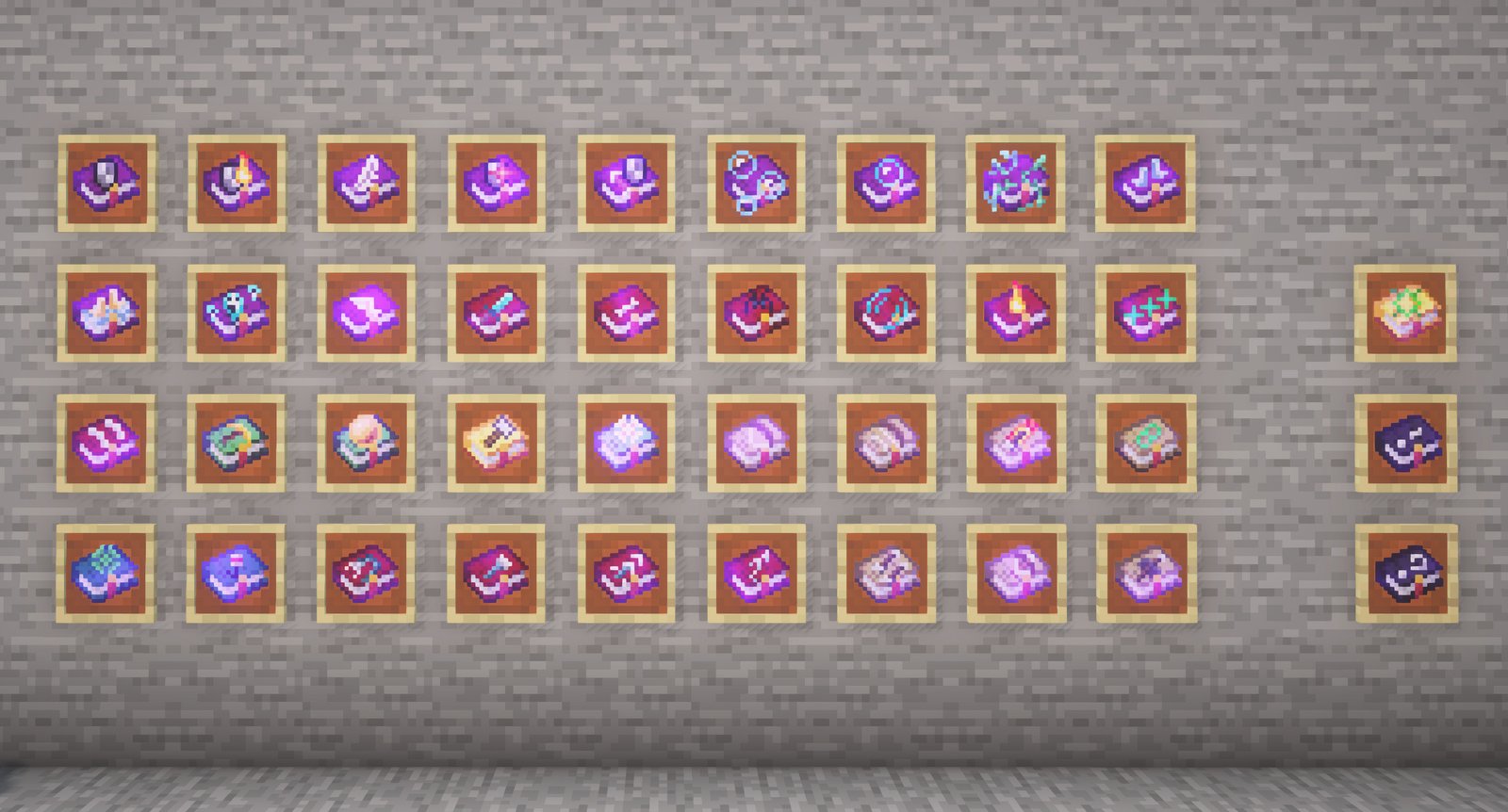
What you get
Why Beautiful Enchanted Books?
Faster Inventory Sorting
Unique book icons let you find the right enchantment faster, reducing time spent opening books during gameplay and trading.
Clear Visual Language
Consistent color and icon choices make it obvious what each book does, helping with quick decisions in combat or crafting.
Low Impact Change
Only the enchanted book texture is replaced, so the pack is unlikely to conflict with broad visual themes or gameplay mechanics.
Good Mod Compatibility
The pack is designed to play nicely with many mods, and the author mentions compatibility with popular community addons.
Stream Friendly
Presenting clear, readable icons helps viewers understand what you are using without distracting overlays or text.
Themed Cohesion
Artwork follows a single visual style, so all enchanted books feel like part of the same set rather than a random mix.
Downloads
Get Beautiful Enchanted Books
The 10 most recent Beautiful Enchanted Books builds, direct mirror links, no ad redirects.
Install
How to install Beautiful Enchanted Books
Vanilla route
- 1Download the Beautiful Enchanted Books zip from the pack page on your browser.
- 2Open Minecraft, select Options, then Resource Packs, and click Open Pack Folder.
- 3Move the zip file into the resourcepacks folder, do not unzip unless instructed.
- 4Return to Minecraft, enable the pack from Available Resource Packs, then click Done.
- 5Restart the game if textures do not appear immediately in your inventory.
Modded route (Vanilla)
- 1Install Fabric or Forge and optionally Optifine before adding resource packs to your setup.
- 2Place the Beautiful Enchanted Books zip into the resourcepacks folder of your Minecraft instance.
- 3If using a modded resource loader, ensure the loader recognizes the pack in game options.
- 4Enable the pack in Resource Packs, prioritize it above conflicting packs, then reload resources.
- 5Restart Minecraft and check in-game book textures to confirm compatibility with mods.
◎ Compatibility
✓ Tested and confirmed working on Minecraft 1.21.10
We ran Beautiful Enchanted Books on Minecraft 1.21.10 even though the pack was not officially built for this version. Texture packs typically stay compatible across nearby Minecraft releases, and this one runs as expected.
Troubleshooting
Common problems
Books still show default texture
Move Beautiful Enchanted Books to the top of your resource pack list and press Done to reload. If issue persists, restart Minecraft to force a resource reload.
Icon art clashes with another pack
Disable other packs that modify item textures or adjust load order so Beautiful Enchanted Books is higher. Use a conflict resolution mod if you need both art sets.
Some modded enchantments use plain books
Check for a compatibility add-on for that mod, or contact the mod author. You can also manually replace the mod book textures if the mod allows resource overrides.
Performance stutter when reloading packs
Avoid frequent resource reloads mid session. Close background applications and allocate sufficient memory to Minecraft before reloading assets.
FAQ
Frequently asked questions
Which Minecraft versions does Beautiful Enchanted Books support?+
The pack lists support for many 1.20 and 1.21 builds and older releases. Texture packs generally remain compatible with nearby Minecraft versions even when they were not officially built for that release, but always test in your client before playing.
Will this pack affect game performance?+
No major performance impact is expected because only book textures change. Texture packs that alter a small number of assets usually do not affect frame rate significantly.
Can I use Beautiful Enchanted Books on Bedrock Edition?+
This pack is created for the Java resource pack system, so it will not directly install on Bedrock without conversion tools. Converted packs may work but can require extra steps.
Do I need Optifine to run this pack?+
Optifine is not required for Beautiful Enchanted Books, but Optifine can help with overall texture control and compatibility. The pack functions without Optifine in vanilla clients.
Is there any server risk to using this pack?+
Client resource packs are safe to use and do not alter server files. Servers that force resource packs only change your client visuals, not server behavior.
What should I do if a specific book texture looks broken?+
Reload resource packs from the Options menu, check for conflicting packs, and confirm you have the latest pack file. If the problem continues, report the issue to the author with screenshots.
Ready to install?